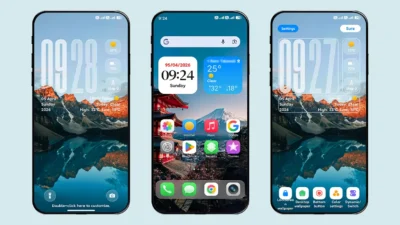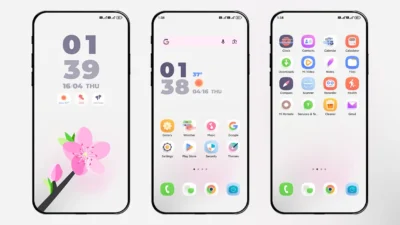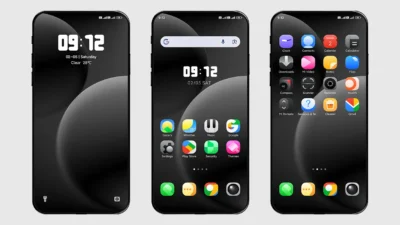

If you are looking for a clean, minimal, and aesthetic theme for your Xiaomi or Redmi phone, the Mu Ci Theme is the perfect choice. Specially designed for HyperOS and MIUI users, this theme brings a modern look with an elegant touch that makes your smartphone stand out.
The Mu Ci theme is not only beautiful but also highly functional. With its balanced design, smooth performance, and customization options, it has quickly become one of the most popular choices among Xiaomi theme lovers. Let’s take a closer look at what makes this theme worth downloading.
Why Choose Mu Ci Theme?
There are thousands of Xiaomi themes available, but Mu Ci stands out because of its simplicity and user-friendly design. Here’s why you should try it:
- Minimal & Clean Design – No extra clutter, no unnecessary details, just a fresh and neat look.
- Beautiful Icon Pack – The theme comes with a stylish icon pack that matches perfectly with its wallpapers.
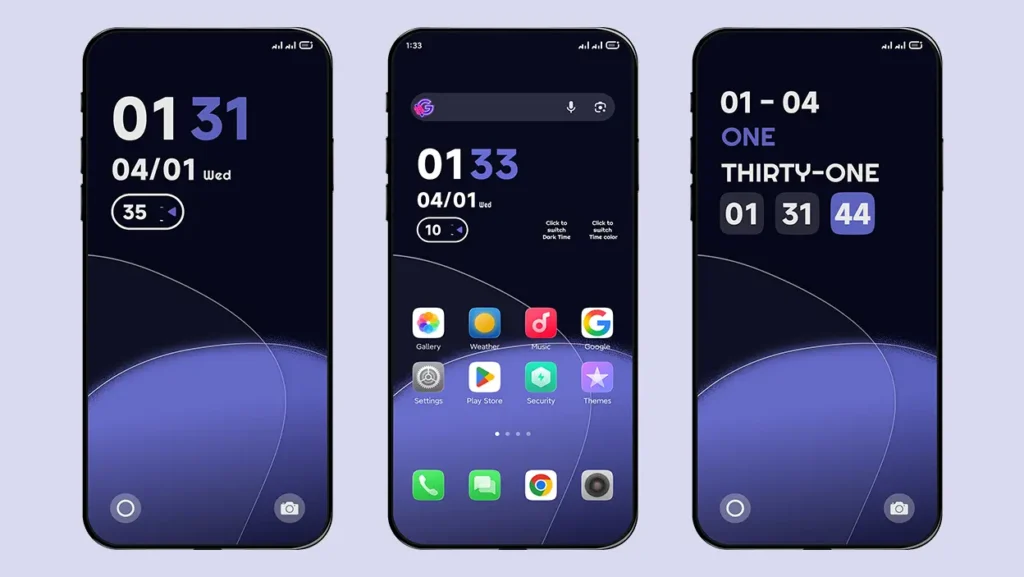
- Customisable Lockscreen – You get two different lockscreen styles to choose from, giving you flexibility.
- Dark & Aesthetic Wallpapers – Perfect for those who love a modern dark mode look with subtle color variations.
- Smooth & Lightweight – The theme is designed to run smoothly on all Xiaomi and Redmi devices without slowing down performance.
Whether you love minimalism or just want a fresh change for your device, Mu Ci will not disappoint.
Features of Mu Ci Theme
Here’s a quick overview of what you get with this theme:
- HyperOS & MIUI Compatible – Works flawlessly on the latest Xiaomi devices.
- Customisable Lockscreen – Two stylish layouts that let you personalise your phone.
- Unique Icon Pack – Icons are redesigned with a simple yet modern aesthetic.
- Dark & Minimal Wallpapers – Comes with different color options, so you can match the look to your mood.
- Clutter-Free Interface – The overall design feels smooth, balanced, and easy to navigate.
The Mu Ci theme has been designed with both aesthetics and usability in mind, making it one of the most well-balanced Xiaomi themes available right now.
Theme Screenshots
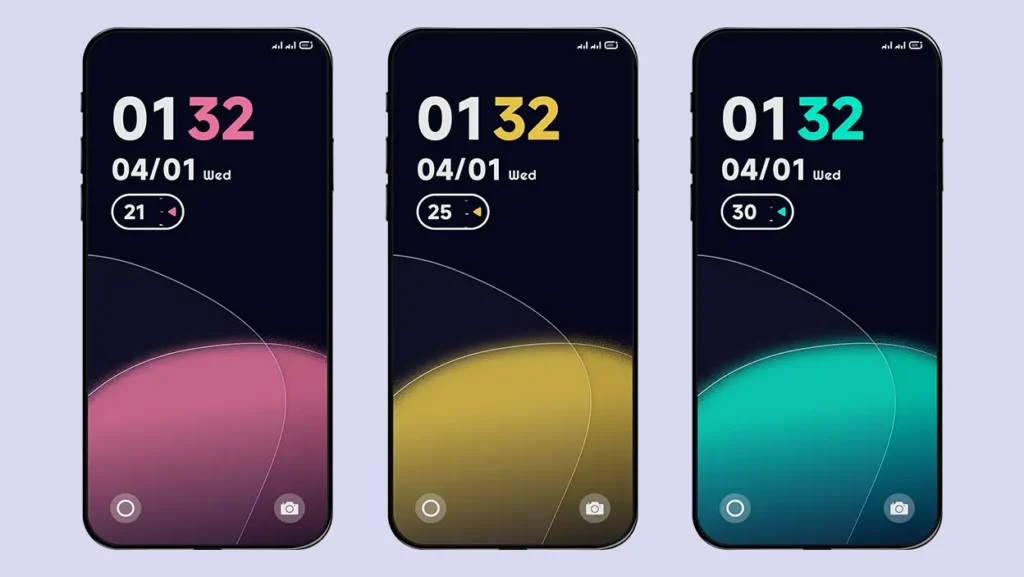
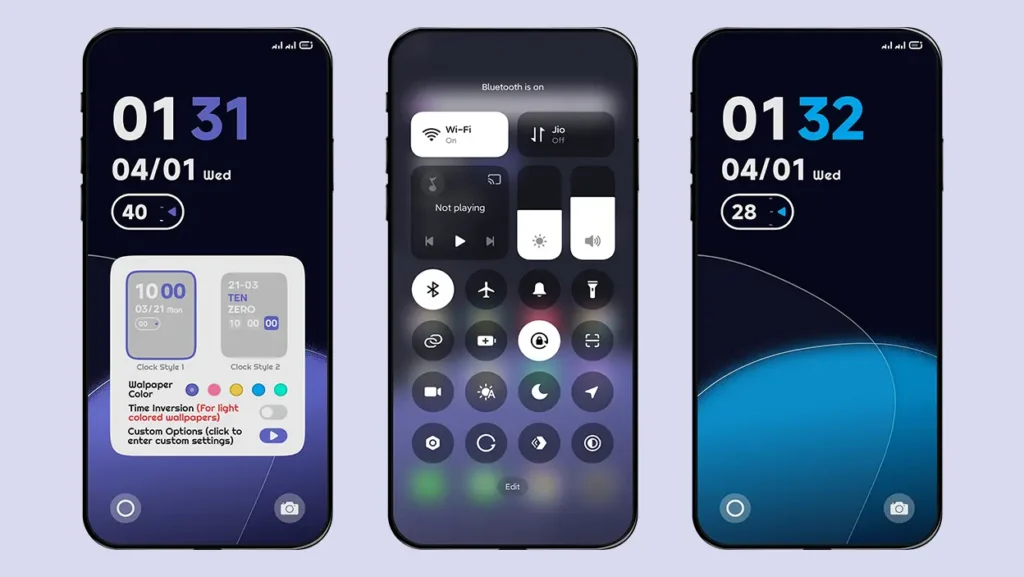
Theme Information
| Name: | Mu Ci |
| Designer: | 沐叶 |
| Compatibility: | HyperOS | MIUI |
| Size: | 33.8 MB |
| Type: | MTZ File |
Download Theme
How to Install Mu Ci Theme on Your Xiaomi Phone
Follow these simple steps to install an .mtz theme file:
- Open the “Themes” app on your device.
- Go to “My Account.”
- Select the “Themes” option.
- You’ll see a list of your pre-installed themes. Scroll down and tap on the “Import” option.
- Locate and select the .mtz file you downloaded.
- The theme will be added to your themes list.
- Finally, tap on the theme and press “Apply” to set it on your device.
Why You’ll Love It
Xiaomi users often look for themes that make their phone feel personal and stylish without compromising usability. The Mu Ci theme achieves exactly that. It combines elegance, simplicity, and practicality, making it ideal for everyday use.
If you’re bored of flashy designs and overloaded themes, Mu Ci is the refreshing change you need. Its minimal look makes your phone screen feel clean, while the modern icon pack and dark wallpapers give it a premium feel.
Looking for More Minimal Themes? Check out our Minimal Themes Category
Final Thoughts
The Mu Ci Theme for Xiaomi and Redmi phones is a perfect blend of simplicity and beauty. It is lightweight, customisable, and compatible with HyperOS, which makes it a must-try for Xiaomi users who love minimal and aesthetic designs.
So if you want to give your smartphone a fresh, aesthetic, and clutter-free look, download the Mu Ci theme today and enjoy a brand-new user experience!