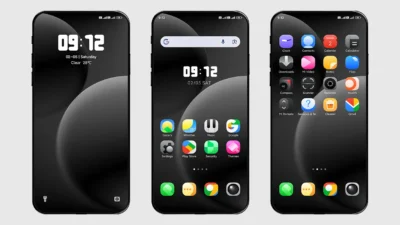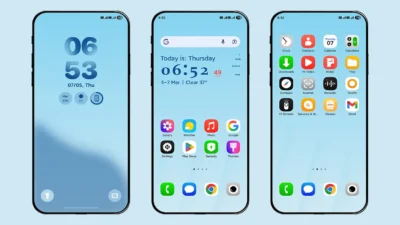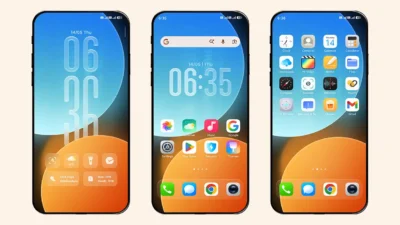

If you’re someone who enjoys smooth animations and a lively UI experience, then the Bloom HyperOS Theme might be exactly what your device needs. This theme is specifically designed for Xiaomi, Redmi and Poco smartphones (especially for all custom ROMs users) giving your phone a modern and fresh vibes.
A Visual Treat with Smooth Animations
The standout feature of Bloom HyperOS Theme is its fluid and eye-catching animations. We assure you that once you experience this theme, you won’t switch to any other Xiaomi theme. Everything feels so smooth and elegant that it makes your experience more premium.
Light & Vibrant UI
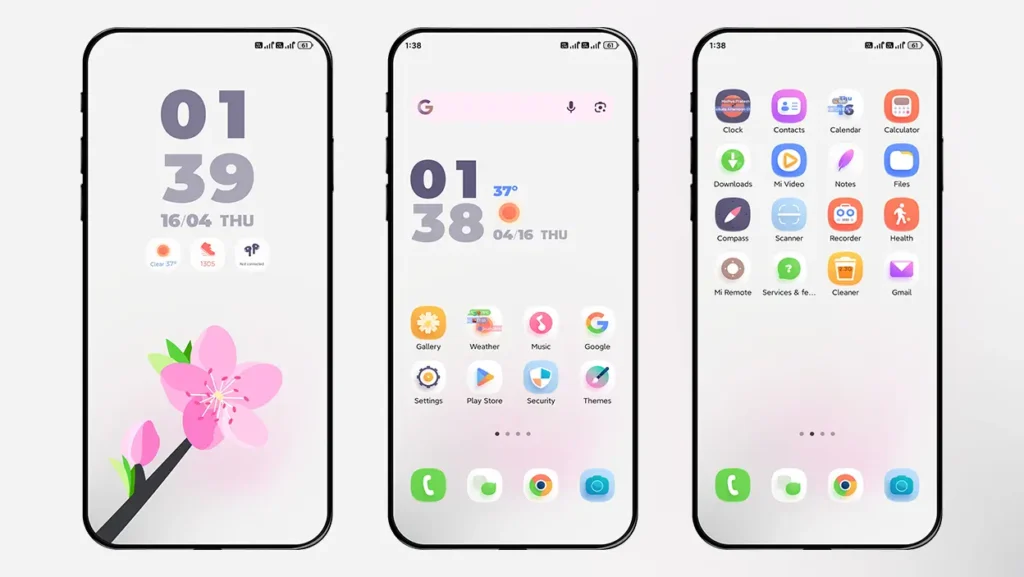
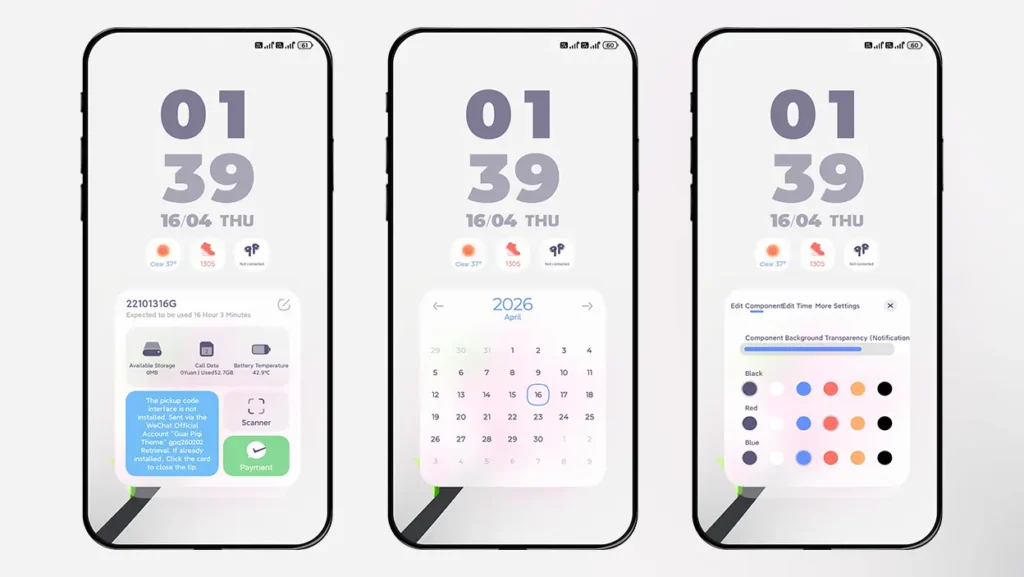
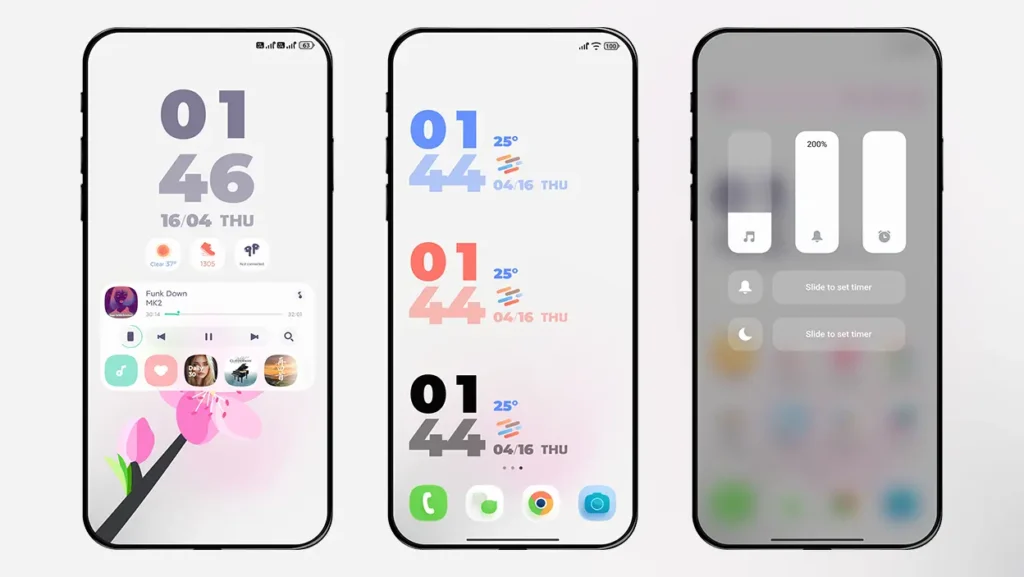
The designer of this theme has chosen a light and vibrant color combination, making this theme unique. Unlike darker themes, Bloom focuses on a bright and refreshing color palette. This makes your device feel clean and energetic every time you unlock it.
If you prefer a minimal yet colorful setup, you’ll definitely enjoy this aspect.
Simple and Clean Lock screen
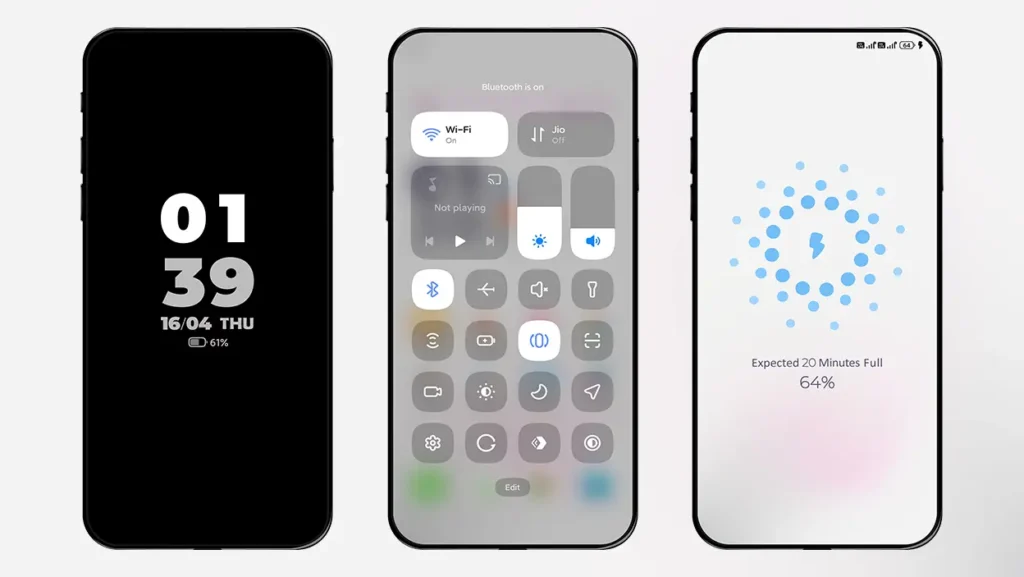
The lock screen is the one that will catch your attention the most. A simple and clutter-free lock screen with smooth animations that don’t overwhelm you with too much information. It maintains the perfect balance between functionality and aesthetics.
Why You Should Try Bloom HyperOS Theme
Here are some features we’ve tested and think you’ll enjoy as well:
- Smooth and fluid animations
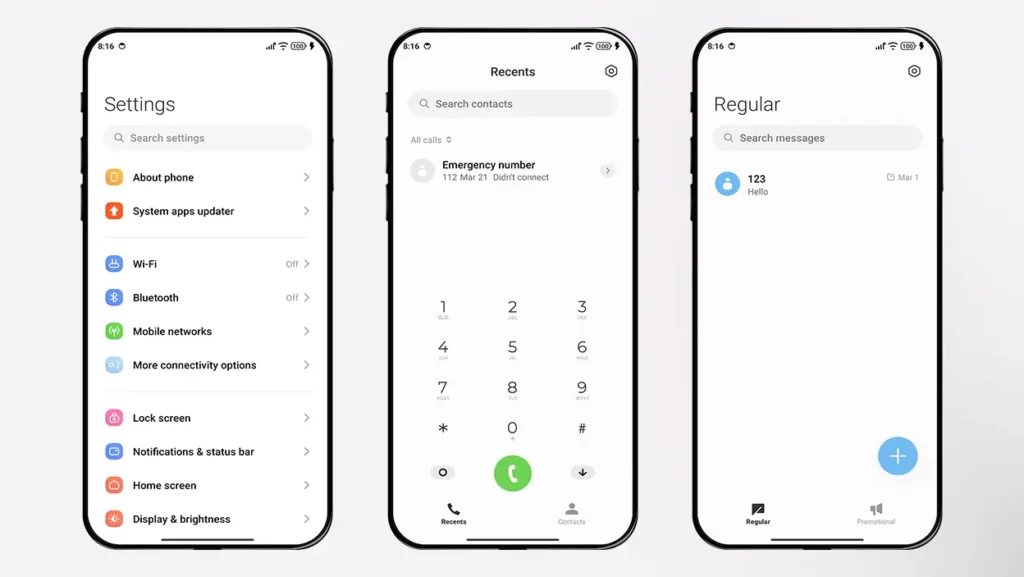
- Premium-quality icon pack
- Always on Display Mode (Double tap on lock screen to switch).
- Re-designed Charging Animation
- Light and vibrant wallpapers
Theme Screenshots
Theme Information
| Name: | Bloom |
| Designer: | 怪脾气 |
| Compatibility: | HyperOS | MIUI |
| Size: | 72.3 MB |
| Type: | MTZ File |
Download Section
How to Install Bloom Theme MTZ File
Follow these simple steps to install an .mtz theme file on any Xiaomi, Redmi or Poco Device:
- Open the Themes app on your device.
- Go to My Account.
- Select the Themes option.
- You’ll see a list of your pre-installed themes. Scroll down and tap on the Import option.
- Locate and select the Bloom.mtz file you downloaded.
- The theme will be added to your themes list.
- Finally, tap on the theme and press Apply to set it on your device.
Our Opinion
If you are bored of static themes and want to download the best Xiaomi Redmi theme, Bloom is a solid choice for everyday use. It’s visually appealing, easy to use, and doesn’t feel heavy or over-designed. The animations in this theme will definitely bring your phone to life.