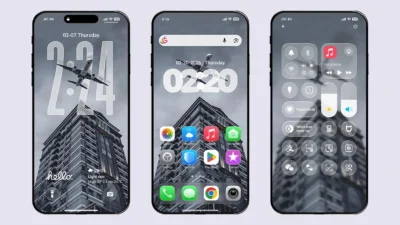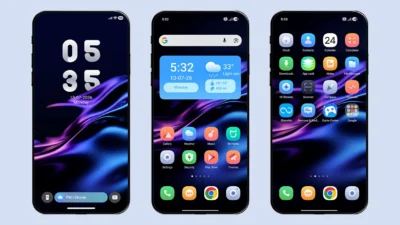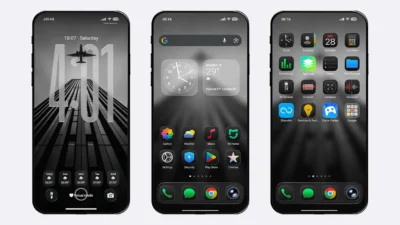

Want a theme that offers high-quality icons, a completely fresh look, and a clean user interface? LIUI Sicily HyperOS Theme is a stunning choice that perfectly balances premium aesthetics with an elegant UI design.
This free Xiaomi theme focuses on beautifully crafted icons, a stylish interface, and a feature-rich lock screen, making it an excellent choice for everyday use. In this article, we’ll explore its key features, compatibility, screenshots, and provide the free MTZ theme file so you can easily install it on your Xiaomi, Redmi, or POCO device.
Apart from its attractive design, this theme is also performance-oriented, meaning it introduces new features without compromising your device’s performance. It transforms the default MIUI or HyperOS interface into a more modern and visually appealing experience while maintaining smooth and responsive performance.
Key Features of LIUI Sicily HyperOS Theme
Here, we’ll explore the key highlights of LIUI Sicily HyperOS Theme that make it worth trying. All the features mentioned below are based on our hands-on review and honest opinion.
Premium Icons
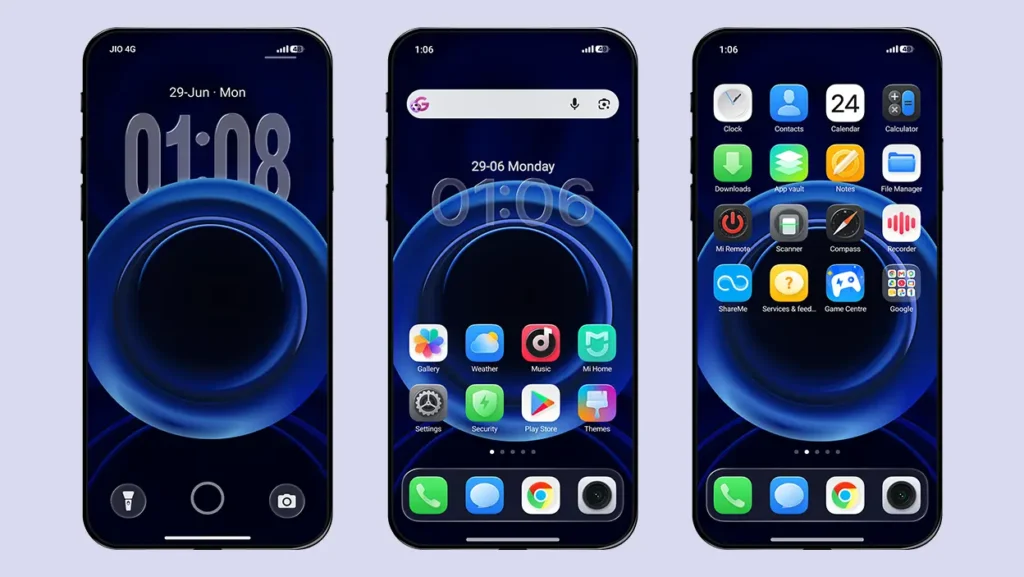
It comes with a premium icon pack featuring a subtle edge effect, with each icon carefully designed to maintain a clean, consistent, and modern appearance across the interface. The theme supports over 1,500 icons, including system apps and many popular third-party applications, ensuring a consistent look throughout the interface.
Customisable Lock Screen
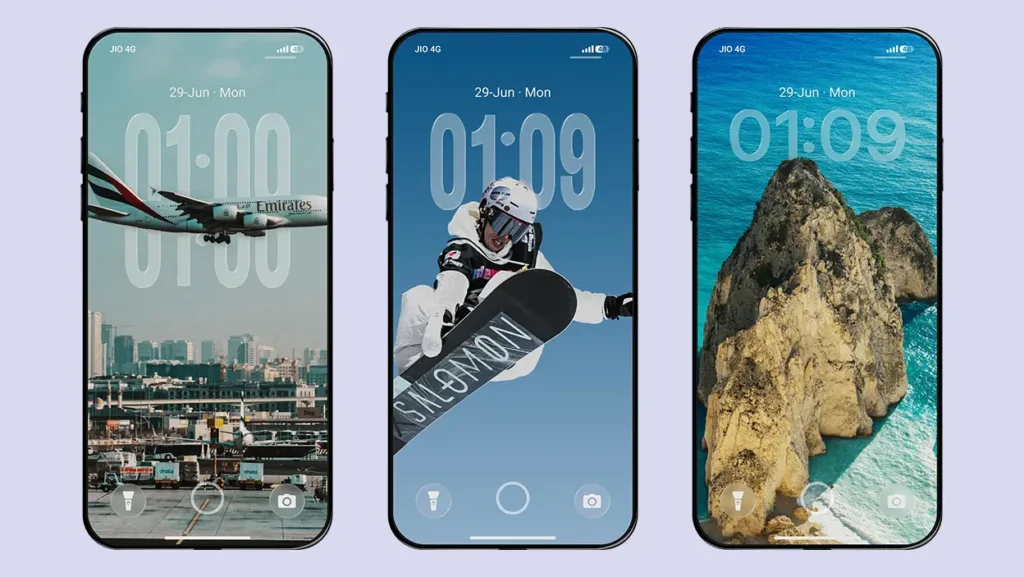
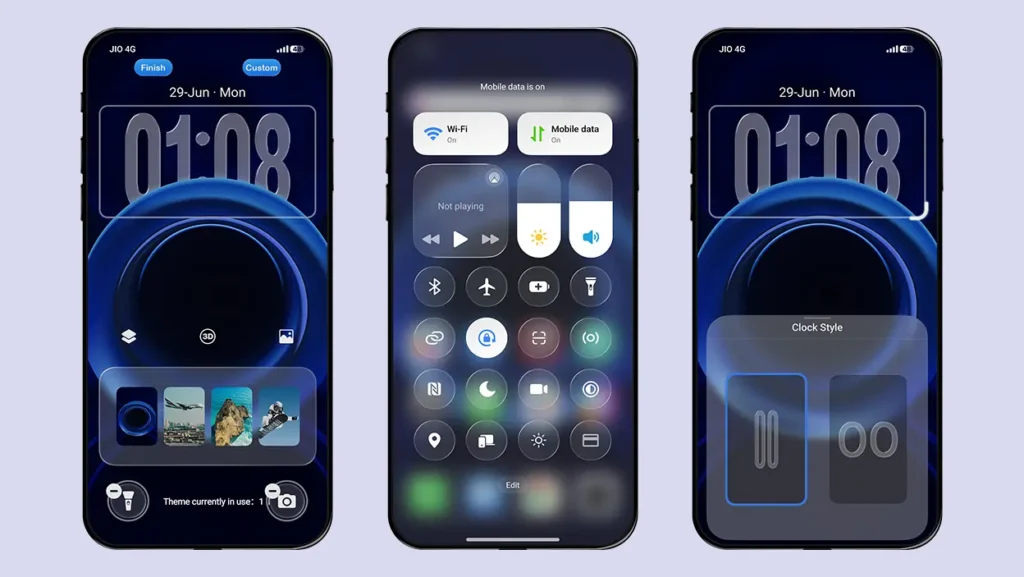
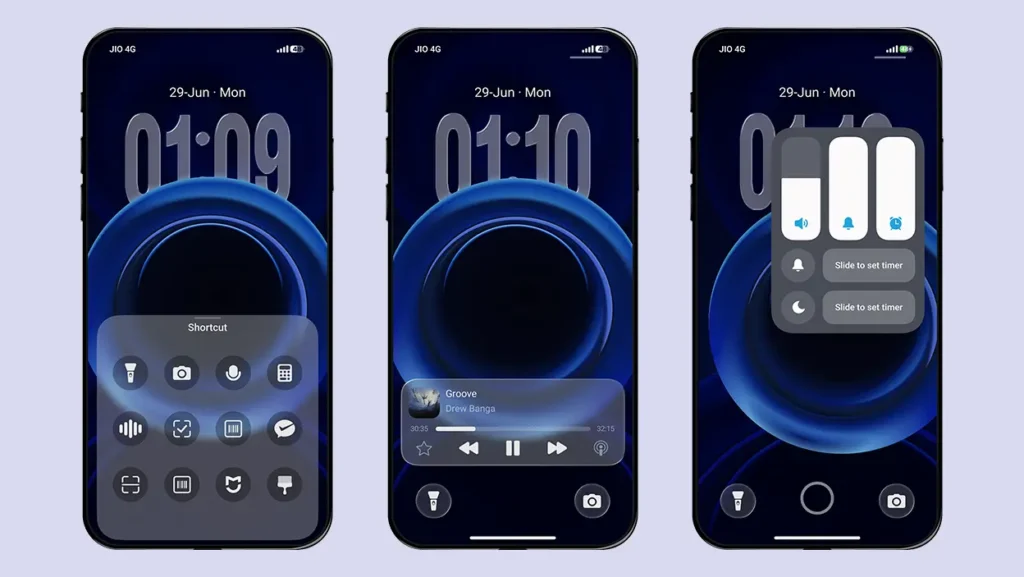
The theme offers a highly customisable lock screen with four built-in depth effect wallpapers, two clock styles, and multiple shortcut options for the left and right sides. You can also adjust the height of the first clock style when using a custom depth effect wallpaper. Additionally, enabling the 3D Effect creates an immersive motion effect as you move your device.
Glass Effect Control Center
Replace your boring control center with new glass effect control center. All the toggle buttons including brightness and volume slider are inspired from glass effect UI. The status bar icons are also inspired by the iOS 26 interface, adding to the premium visual experience.
Home Screen Dock Bar
The home screen dock features a stylish glass-effect background that highlights your favorite tray icons, similar to the iPhone. This subtle enhancement blends beautifully with the premium icons and adds a more polished appearance to your home screen.
Dark Mode Support
The designer has also taken Dark mode user into consideration by providing system wide support. You will experience the same UI changes even after enabling the Dark mode.
Other UI Elements
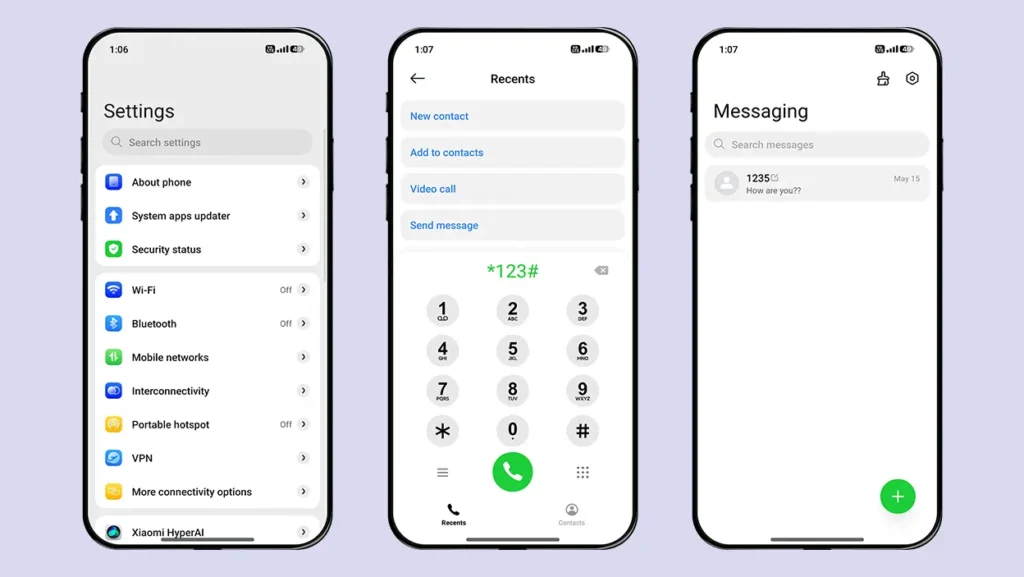
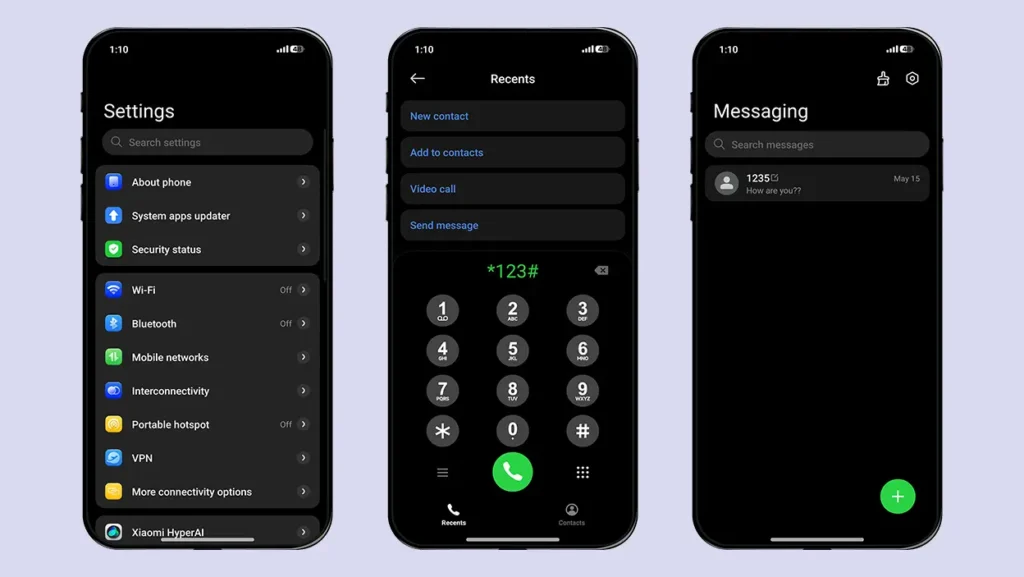
Beyond the lock screen, icons, and Control Center, the theme also introduces visual improvements to the Settings, Dialer, Messaging apps, and home screen widgets. You can further personalize the theme by accessing the lock screen customization options available in the Themes app.
MTZOnly Improvements and Fixes
To provide a better experience for both Custom ROM and Global ROM users, we have made several improvements and bug fixes to the original theme. These enhancements are exclusively made by MTZOnly and are not part of the original theme released by the designer.
- Added Home Screen Dock Bar support for POCO devices.
- Added a glass effect to the Control Center brightness and volume sliders to maintain a consistent design.
- Fixed the Clock icon displaying the wrong time.
- Added a new glass-effect Clear All button in the Recent Apps screen.
- Fixed the Global File Manager icon.
Theme Screenshots, Download Links & Installation Guide
Here are the complete screenshots, theme details, download link, and installation guide for the LIUI Sicily HyperOS Theme. Follow the steps carefully to apply this MTZ theme successfully on your Xiaomi, Redmi, or Poco device.
Theme Screenshots
Take a look at how LIUI Sicily HyperOS Theme transforms the look and feel of your Xiaomi, Redmi, or Poco device.
Theme Information
| Name: | LIUI Sicily / LIUI西西里 |
| Designer: | LIUI |
| Compatibility: | HyperOS 1.0 | 2.0 | 3.0 |
| Size: | 78.3 MB |
| Type: | MTZ File |
Download Links
How to Apply MTZ Theme
- Open the Themes app on your device.
- Go to My Account.
- Select the Themes option.
- You’ll see a list of your pre-installed themes. Scroll down and tap on the Import option.
- Locate and select the LIUI Sicily [ENG].mtz file you downloaded.
- The theme will be added to your themes list.
- Finally, tap on the theme and press Apply to set it on your device.
Final Verdict
If you’re looking for a HyperOS theme with premium-quality icons, a clean user interface, and a feature-rich lock screen, LIUI Sicily (English Port) is definitely worth trying. Download this theme for free on your Xiaomi, Redmi, or POCO device and give your smartphone a fresh, modern look.
We’d love to hear your thoughts! Share your experience in the comments below. If you encounter any issues while installing the theme or notice any bugs, feel free to let us know. Your feedback helps us improve future releases and provide a better experience for everyone.