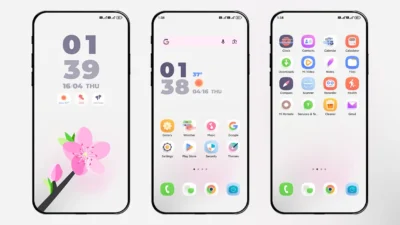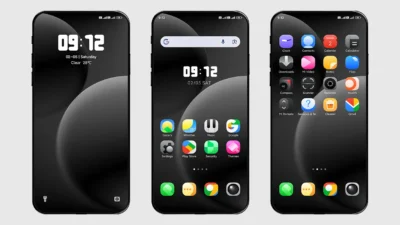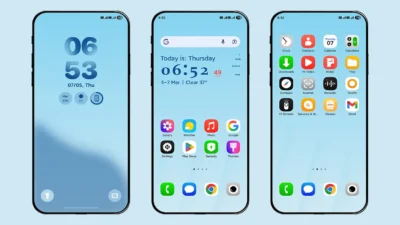

Customization is one of the best parts of using a Xiaomi phone, especially if you’re on HyperOS. The Surging Super Grating HyperOS Theme is built for users who want a fresh, modern UI without losing performance or usability. Designed for Xiaomi Redmi and Poco phones, this theme blends iOS visuals with Android flexibility.
Available on mtzonly.com, this theme is a English Port of Chinese version and can only be used by custom ROM users only. If you enjoy experimenting with unique themes and want a premium quality designed theme, this one deserves a spot on your device.
Why Surging Super Grating HyperOS Theme?
Surging Super Grating is a premium-style HyperOS theme that focuses on lock screen customization, depth effect wallpapers, and new features. It takes inspiration from ColorOS 16, OxygenOS 16, and iOS, while still feeling natural on HyperOS.
The theme is lightweight, visually balanced, and designed for daily use rather than just looks.
Fully Customisable Lock Screen with ColorOS & OxygenOS Style
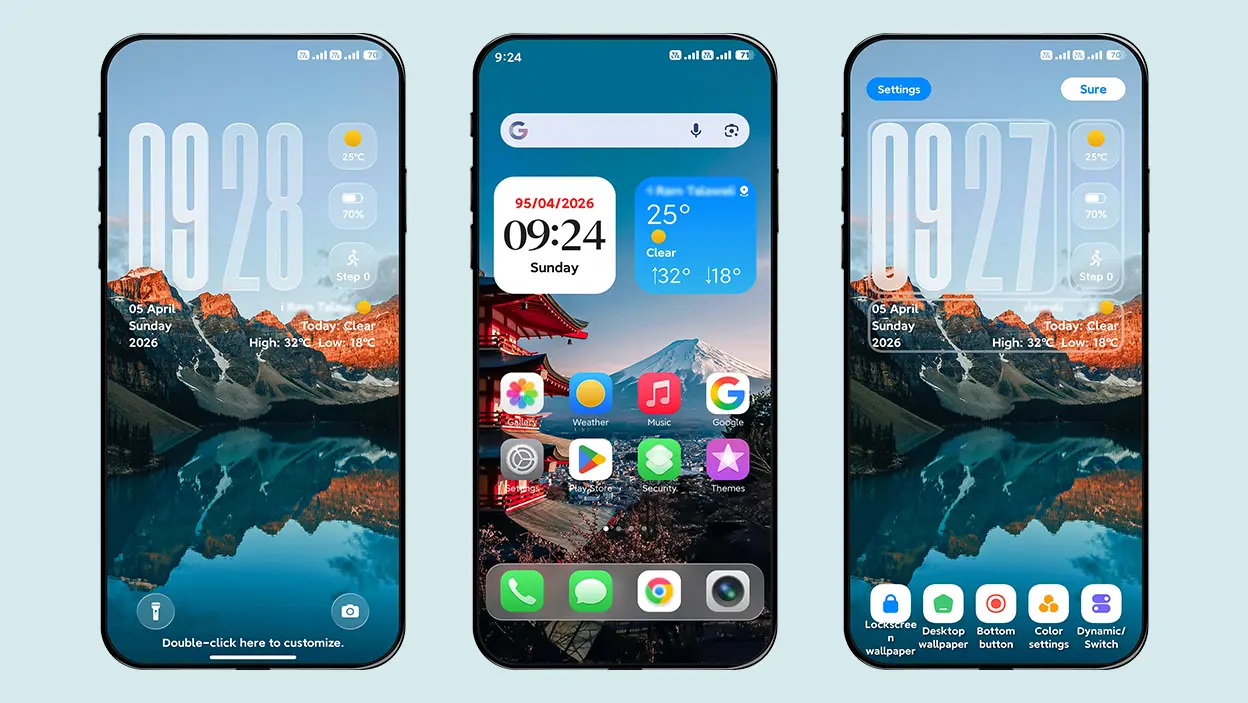
The key feature of this theme is the lock screen customization and features it offers. With so many features, you can change how your phone looks the moment you wake it up. You can customize clock styles, reposition widgets, and adjust how information is shown.
Additional Features of This Theme-
- iOS-Style Charging Animation [Check Theme Screenshots]
- Pre-included 8 Depth Effect Wallpapers for HyperOS
- iOS-Style Icons and White Tile Control Center
This theme doesn’t stop at visuals. Core system apps like Settings, Dialer, and Messages are also redesigned to match the theme. Fonts, colors, and layouts stay consistent, giving HyperOS a unified look across the system.
Theme Screenshots
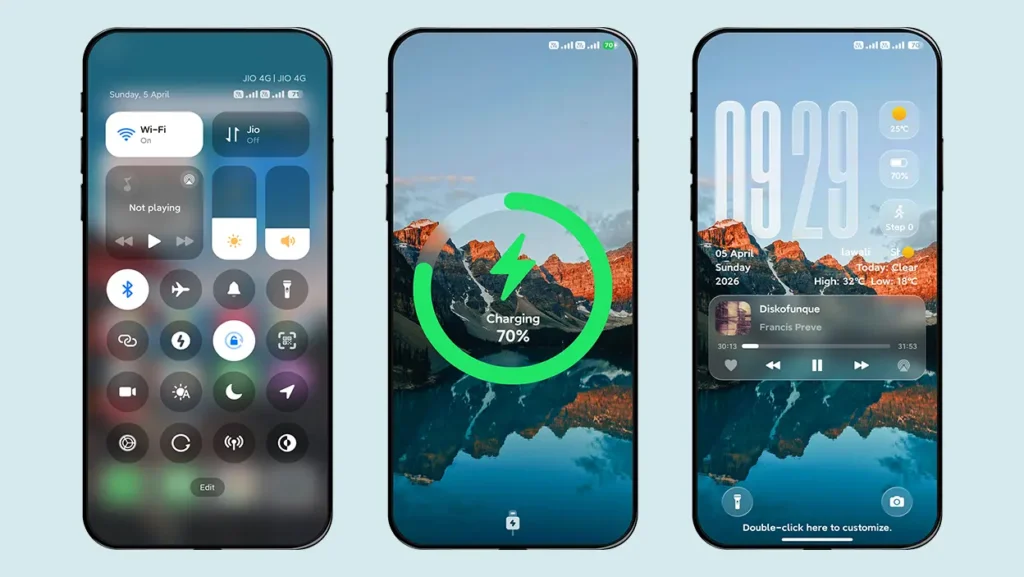
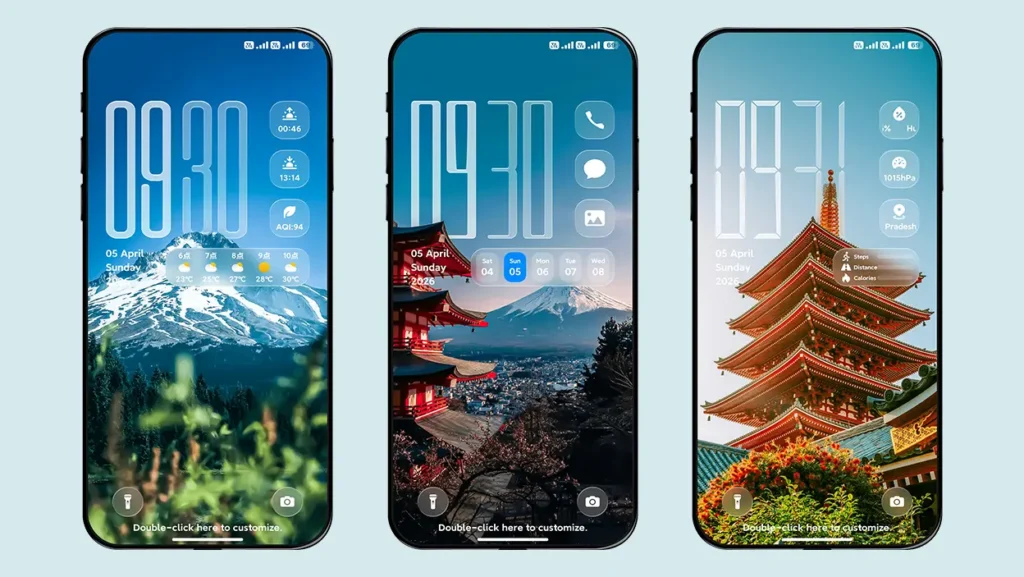
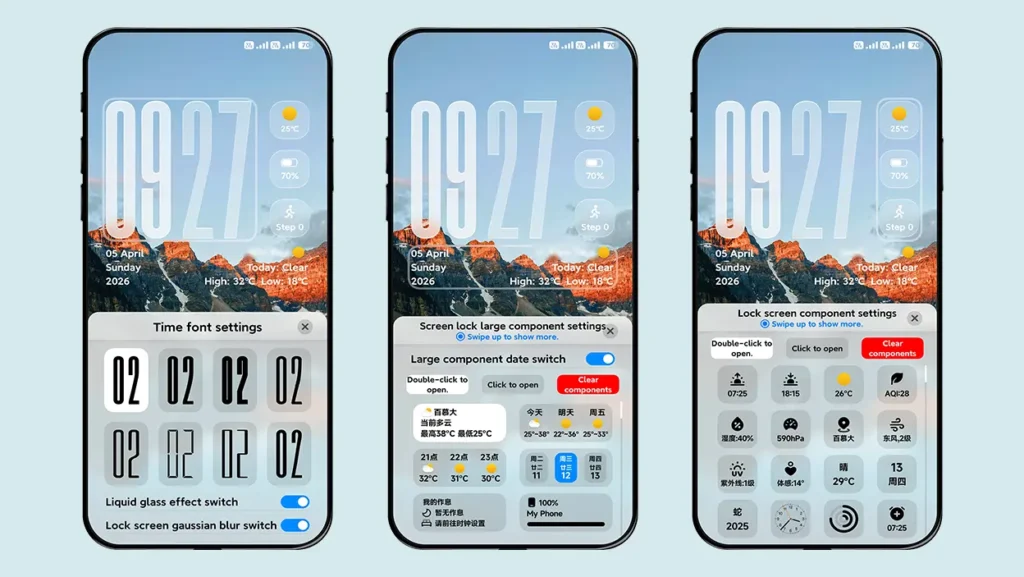
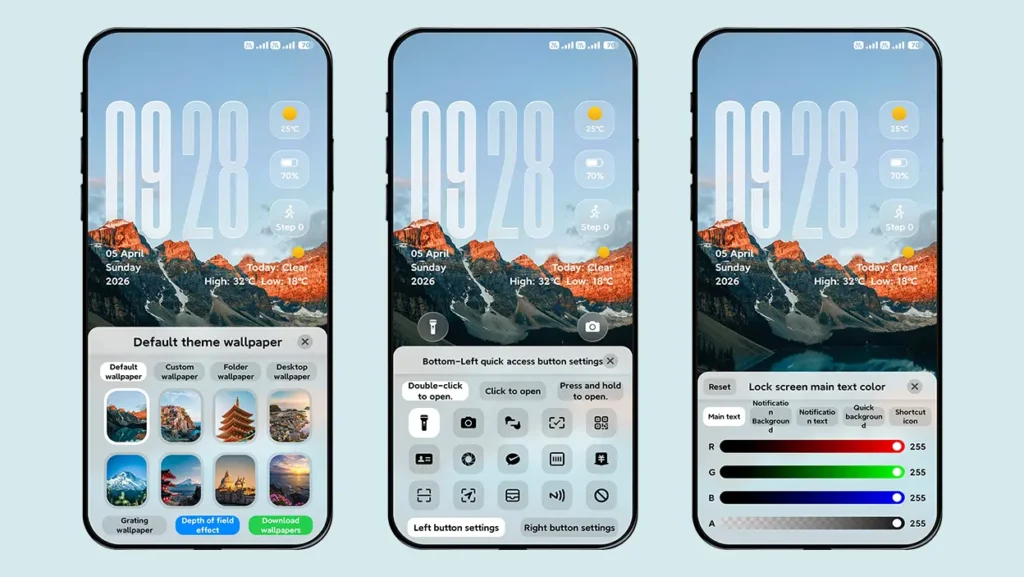
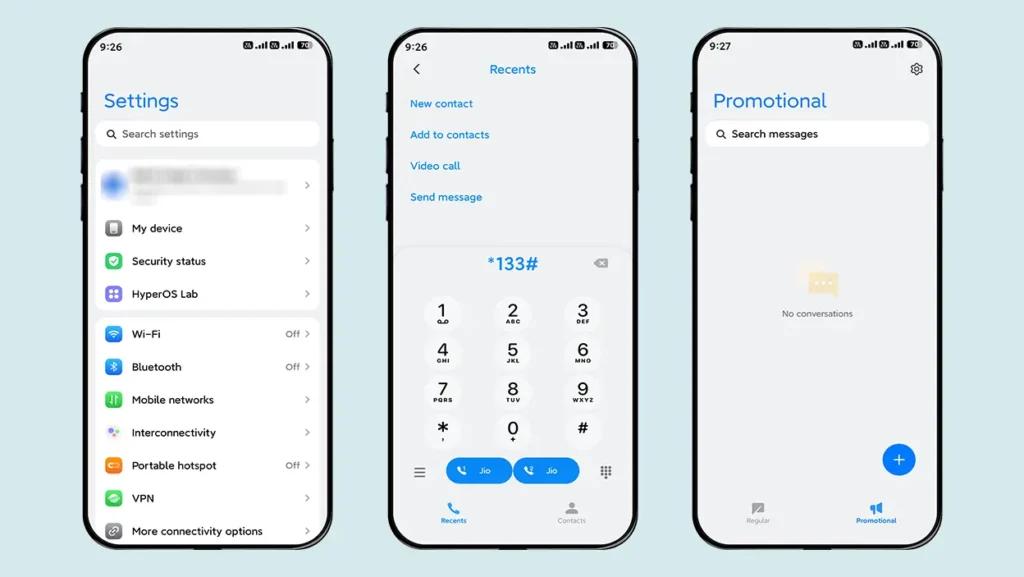
Theme Information
| Name: | Surging Super Grating / 澎湃超级光栅 |
| Designer: | 8°余温 |
| Compatibility: | HyperOS | MIUI |
| Size: | 70.5 MB |
| Type: | MTZ File |
Download Section
How to Install Surging Super Grating HyperOS Theme
Follow these simple steps to install an .mtz theme file:
- Open the Themes app on your device.
- Go to My Account.
- Select the Themes option.
- You’ll see a list of your pre-installed themes. Scroll down and tap on the Import option.
- Locate and select the Surging Super Grating.mtz file you downloaded.
- The theme will be added to your themes list.
- Finally, tap on the theme and press Apply to set it on your device.
Final Verdict – Is Surging Super Grating Worth Using?
If you’re looking for a clean, customizable, and modern HyperOS theme, Surging Super Grating is a solid choice. With a powerful lock screen, depth wallpapers, iOS-style icons, and themed system apps, it offers a premium experience without clutter.
You can download it now from mtzonly.com and explore more HyperOS themes made for true customization fans.