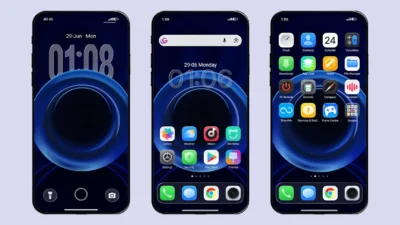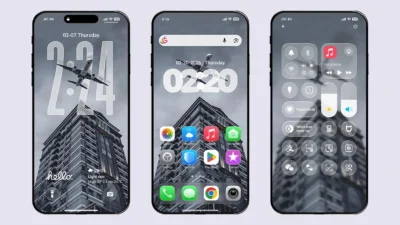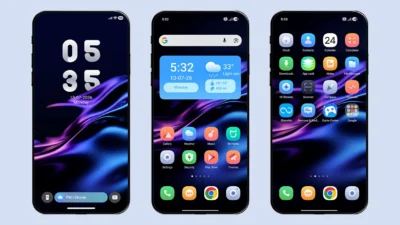

We are back with another exciting HyperOS theme that brings stunning 3D UI effects to your Xiaomi, Redmi, or Poco device. Designed with a clean, immersive, and feature-rich interface, this theme completely transforms the look and feel of your smartphone. Get ready to experience a fresh new design that is sure to impress you.
From 3D-effect icons and stylish widgets to a beautifully designed lock screen and smooth animations, this Xiaomi theme breathes new life into your device’s stock interface. The designer has carefully added subtle shadow effects across various UI elements, creating a premium and immersive visual experience. Simply install the O MTZ theme file to enjoy a clean, modern interface with smooth performance on your Xiaomi, Redmi, or Poco smartphone.
Highlights of O HyperOS Theme
3D Designed Icons
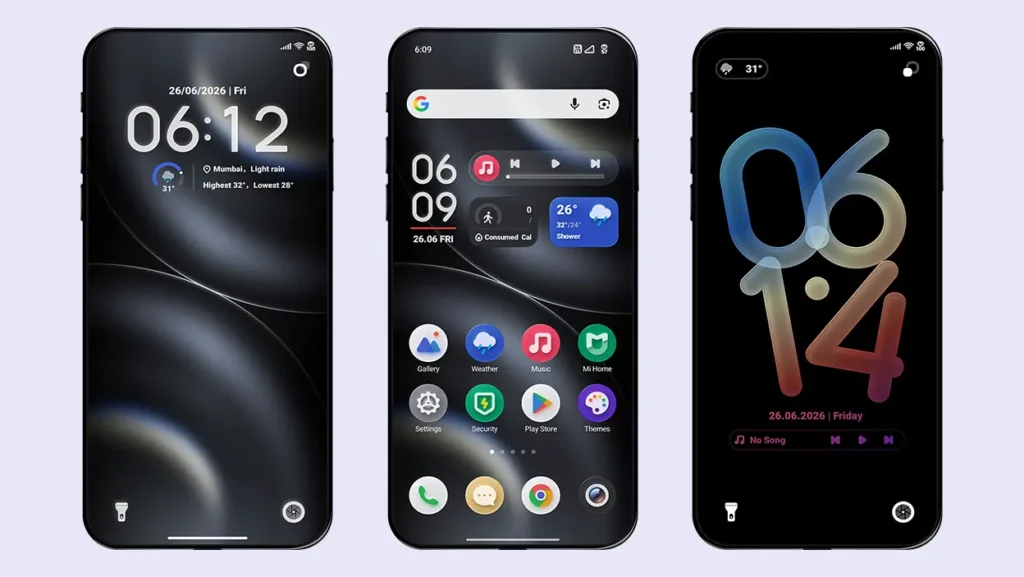
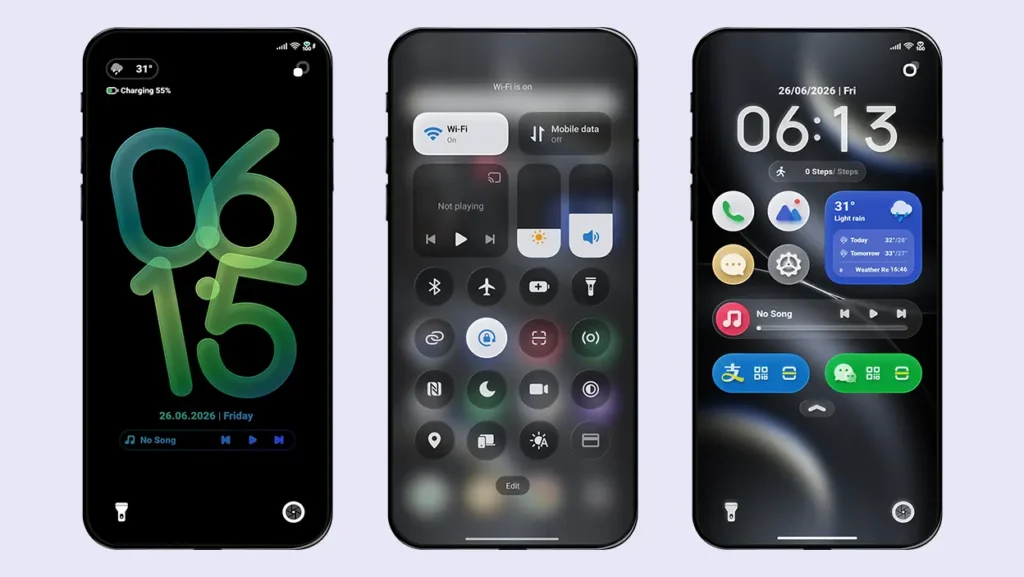
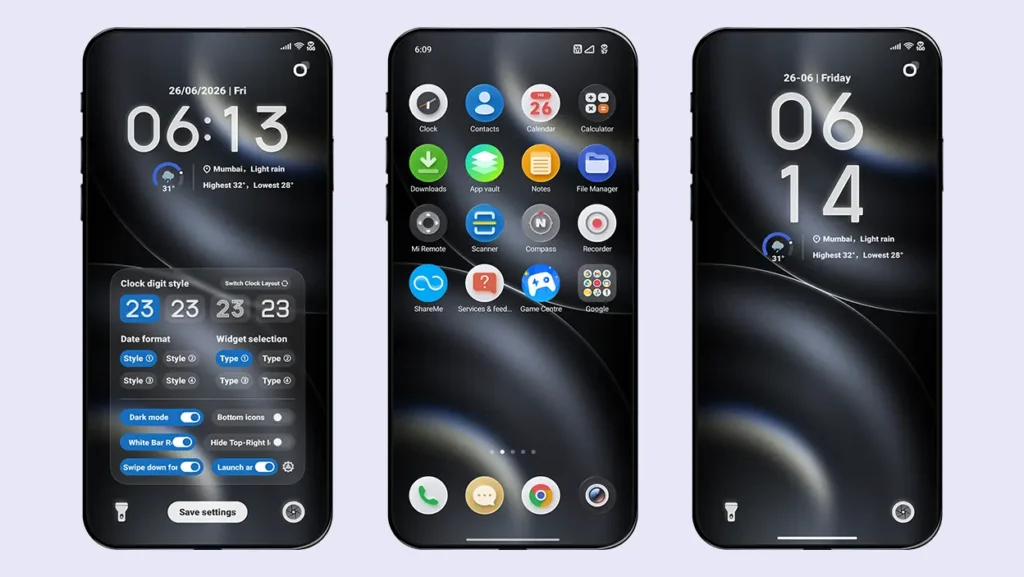
The theme features beautifully designed round icons with a subtle 3D effect, giving your home screen a clean and premium appearance. It includes themed icons for all system apps, Google apps, and several popular third-party apps. Apps without dedicated icons automatically adopt the theme’s rounded shape, ensuring a consistent look across your device.
Feature-Rich Home Screen Widget
One of the most handy widget you’ll ever use. This all-in-one widget displays the time, date, daily step count, music player controls, and essential weather information at a glance. Everything you need is available right on your home screen for quick access.
3D UI Elements
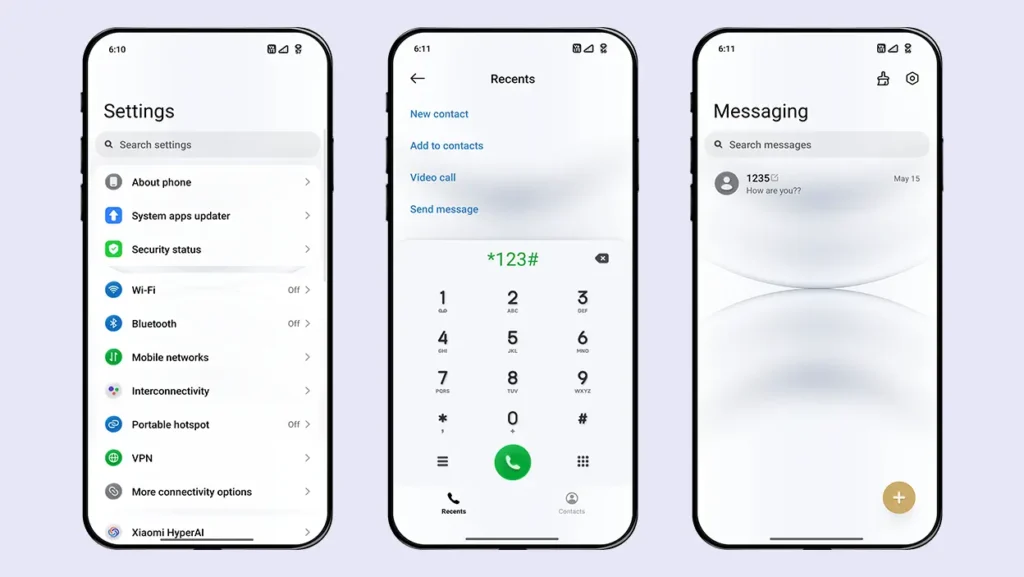
Feel 3D effect everytime you use your device. The Control Center, Dialer, Contacts, Messages app, and widgets all follow the same design language, enhanced with elegant shadow effects. These small details give the theme a premium feel and help it stand out from other HyperOS and MIUI themes.
Feature-Packed Lock Screen
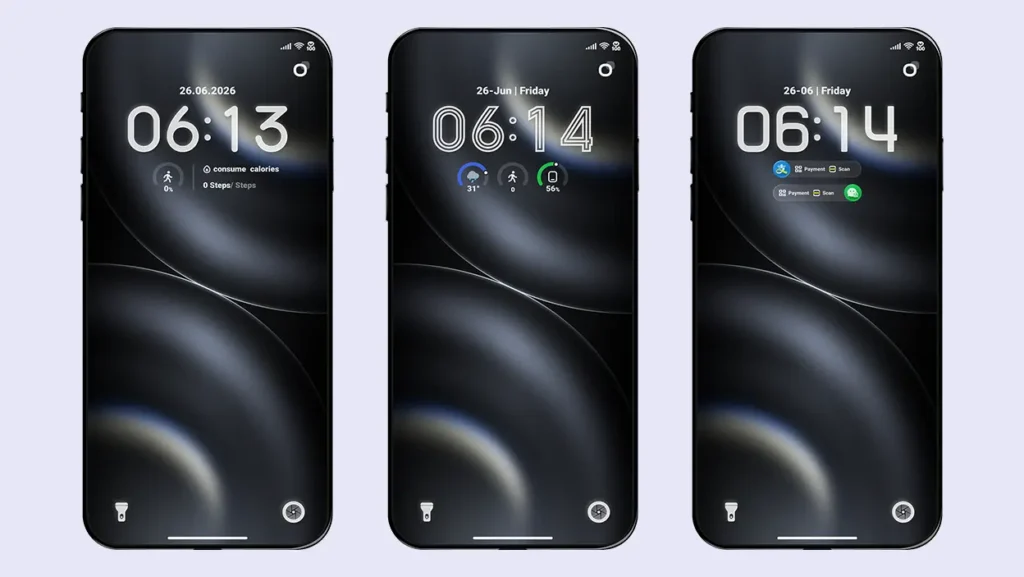
The lock screen offers extensive customization options with multiple clock layouts, useful widgets, and quick shortcuts. Swipe down to access shortcut apps, the music player, and additional widgets, or switch to the dark mode layout if you are using a light wallpaper on the lock screen.
Multiple Clock & Date Styles
Double-tap the white bar at the bottom of the lock screen to enter the customization menu. Choose from 2 clock layouts, 4 clock fonts, 4 date styles, and 4 unique widgets. Every component can be customized individually, allowing you to create a lock screen that perfectly matches your style.
Additional AOD-Style Lock Screen
Double-tap the top-right icon to switch to a completely different lock screen style (shown in Screenshot 1 and 2). This design features a black background with a gradient clock that turns green while charging. It also includes a cool launch animation that makes unlocking your device even more enjoyable.
Want AOD mode theme? Check out our iOS Themes Collection
Smooth Performance with a Premium Design
O HyperOS Theme isn’t just visually impressive—it also delivers a smooth and responsive experience. During our testing, we noticed no animation lag or performance issues.
Theme Screenshots, Download Links & Installation Guide
Here are the complete screenshots, theme details, download link, and installation guide for the O HyperOS Theme. Follow the steps carefully to apply this MTZ theme successfully on your Xiaomi, Redmi, or Poco device.
Theme Screenshots
Take a look at how O HyperOS Theme transforms the look and feel of your Xiaomi, Redmi, or Poco device.
Theme Information
| Name: | O |
| Designer: | xlee |
| Compatibility: | HyperOS 1.0 | 2.0 | 3.0 |
| Size: | 51 MB |
| Type: | MTZ File |
Download Links
How to Apply MTZ Theme
- Open the Themes app on your device.
- Go to My Account.
- Select the Themes option.
- You’ll see a list of your pre-installed themes. Scroll down and tap on the Import option.
- Locate and select the O [ENG].mtz file you downloaded.
- The theme will be added to your themes list.
- Finally, tap on the theme and press Apply to set it on your device.
Conclusion
If you’re looking for a HyperOS theme that combines stunning 3D effects, an elegant design, and useful customization features without compromising performance, then O HyperOS Theme is definitely worth trying. It works perfectly fine on all Xiaomi, Redmi and Poco devices running HyperOS. Download the MTZ file today and give your smartphone a fresh new look.