
If you are bored with the default HyperOS or MIUI look on your Xiaomi, Redmi, or Poco phone, then the “Starry Star UI” theme is available to give users the exact same experience as Samsung’s latest One UI 8 and One UI 8.5 without installing any third-party apps or mods. We assure you that after using this theme, you won’t even feel like you are using HyperOS or MIUI on your device anymore.
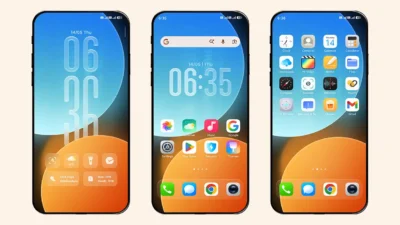
The Home Screen of One UI
The theme gives a complete Samsung-inspired interface with high-quality One UI style icons that look very close to the original Samsung design. From the home screen to the lock screen, almost every part of the UI has been customized carefully to match the One UI experience.
One of the best parts of this theme is the home screen widget customization. Users can switch between two different clock styles and also choose different clock font designs according to your preference.
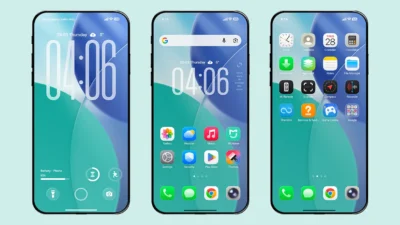
One UI elements everywhere
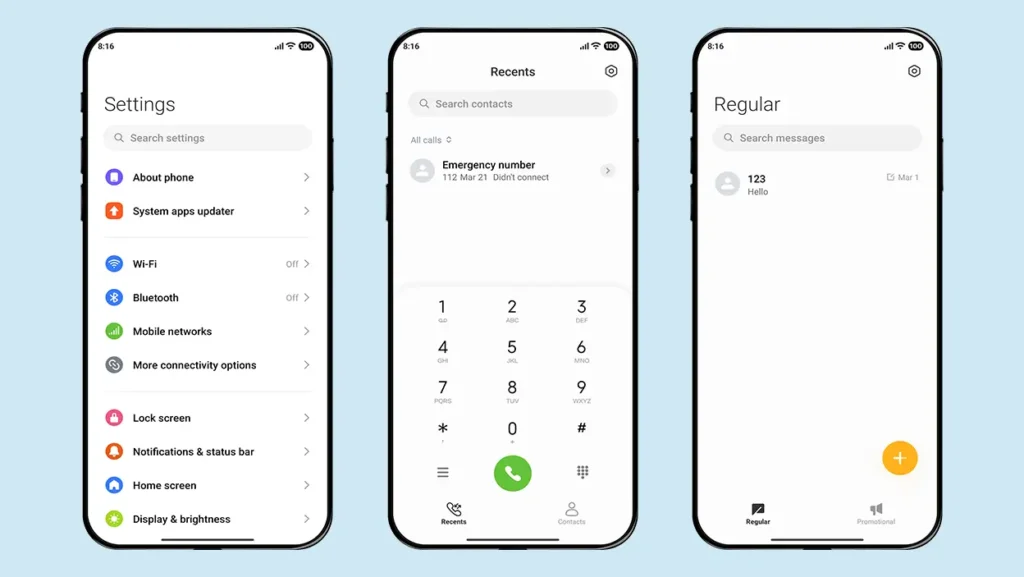
The control center is also redesigned with a clean white One UI 8 style appearance. Apart from that, some extra customization has been added inside the dialer, contacts, messages, and settings app to make the experience feel more complete and polished.
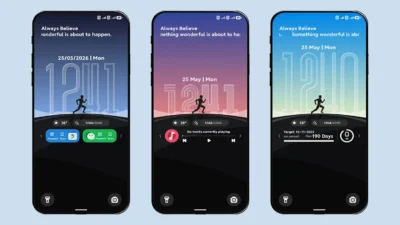
The Highlight: One UI Style Lock Screen
For lock screen lovers, this theme brings the same One UI style lock screen design with multiple customization features. You get blue-themed wallpapers with several different styles that can be changed anytime. The lock screen also supports two different clock layouts along with 8 different font styles, making personalization much better for users who like to customize their phones regularly.
Another interesting addition is the bottom charging animation which looks very similar to Samsung One UI. Music lovers also get full-screen music player support directly on the lock screen, adding more premium feel during media playback.
Want more One UI Experience? Check out our One UI Themes Collection
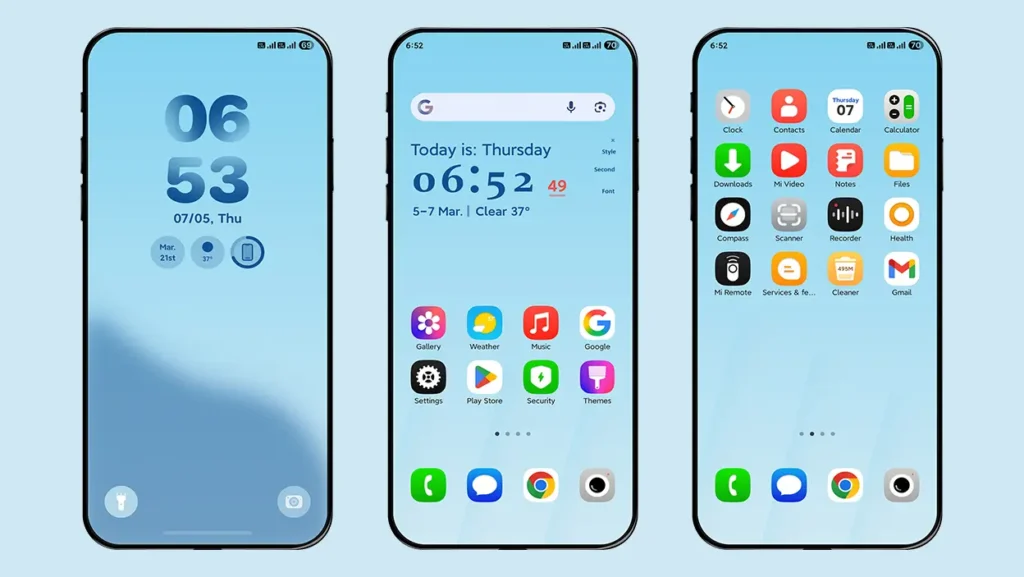
Theme Screenshots
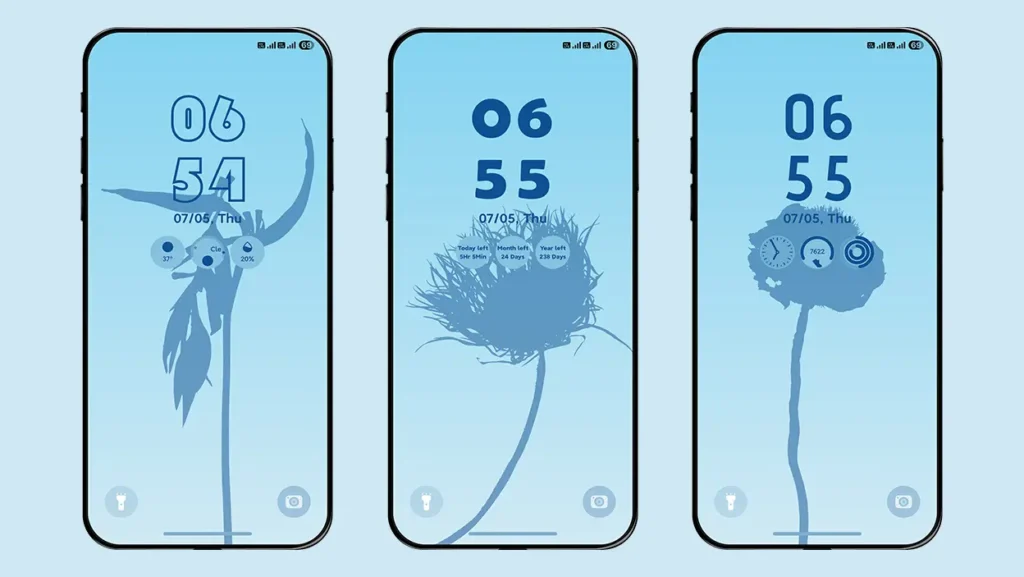
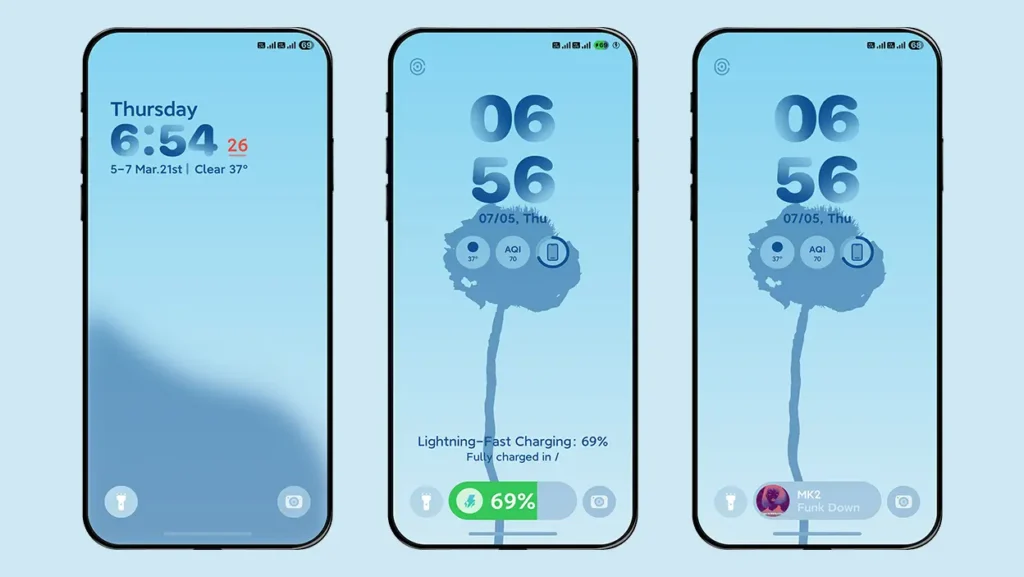
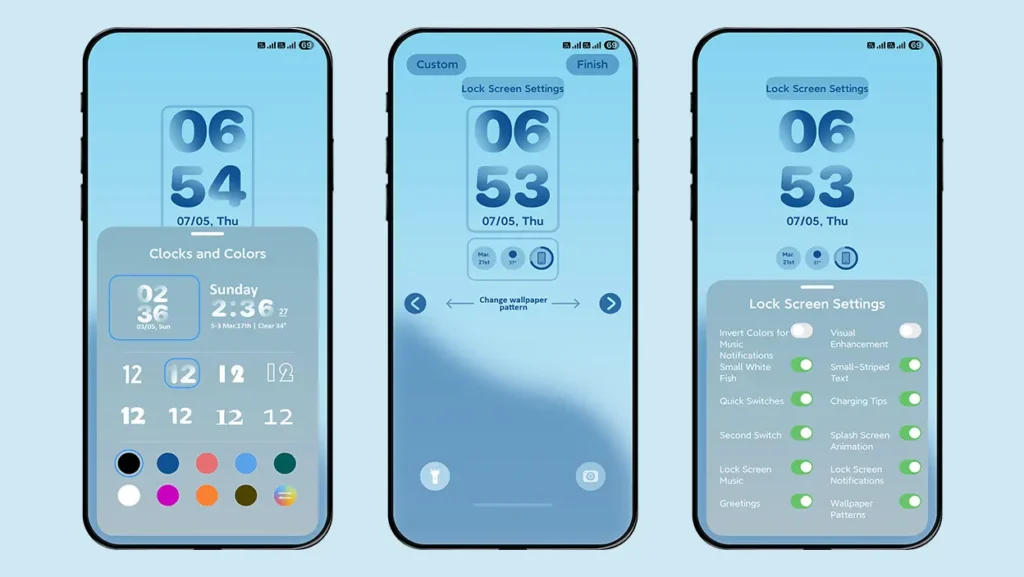
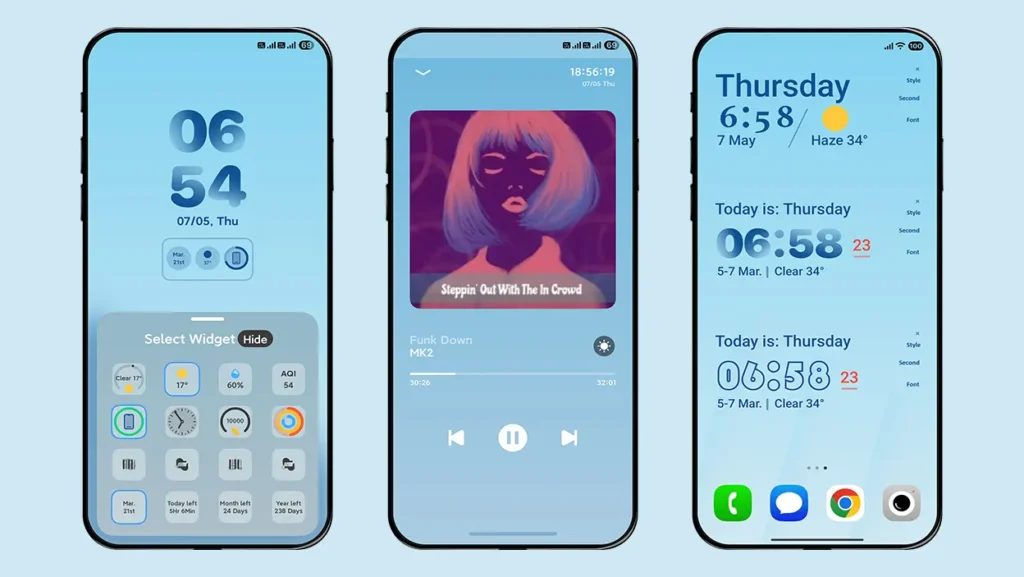
Theme Information
| Name: | Starry Star UI/星小星UI |
| Designer: | 星小星 |
| Compatibility: | HyperOS | MIUI |
| Size: | 17.5 MB |
| Type: | MTZ File |
Download Sections
How to install MTZ file on your device
Follow these simple steps to install an .mtz theme file on any Xiaomi, Redmi or Poco Device:
- Open the Themes app on your device.
- Go to My Account.
- Select the Themes option.
- You’ll see a list of your pre-installed themes. Scroll down and tap on the Import option.
- Locate and select the Starry Star UI [ENG].mtz file you downloaded.
- The theme will be added to your themes list.
- Finally, tap on the theme and press Apply to set it on your device.
Conclusion
The theme is fully available in English language and almost every section has been ported properly without ruining the original One UI look. It works especially well for Xiaomi, Redmi, and Poco users who enjoy trying custom themes and custom ROM setups.
Of course, full credit goes to the original designer who created such an impressive theme experience for Xiaomi devices. If you want a Samsung One UI 8 feel on your Xiaomi, Redmi, or Poco phone without changing your device completely, then Starry Star UI is definitely worth trying.