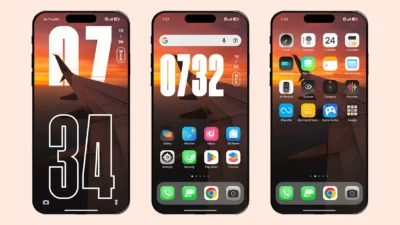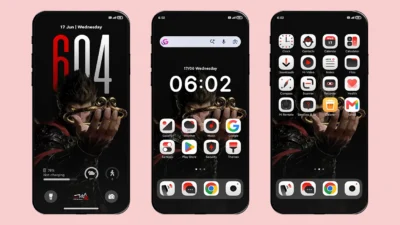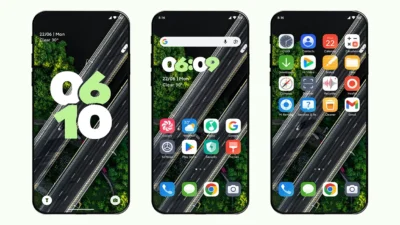

Have you ever wanted your device to be like iOS 26 and that is with clean and elegant UI interface. Well, that is possible now with 26 OS HyperOS theme which let you experience iOS 26 on any Xiaomi, Redmi or Poco smartphone without compromising on your device performance.
Minimal Charm of 26 OS Theme
We have already shared themes that can make your device like iPhone such Codename G26, iP26 Super 3D Depth of Field, etc. but due to tons of features, device lag and drain battery much faster. But, with this theme, you get a clean, minimal look and iPhone style look at the same time. Because of the reduced animations and fewer customization features, the theme feels extremely smooth.
Features of 26 OS Theme
Let’s discuss, why this theme is better option for you over any other themes-
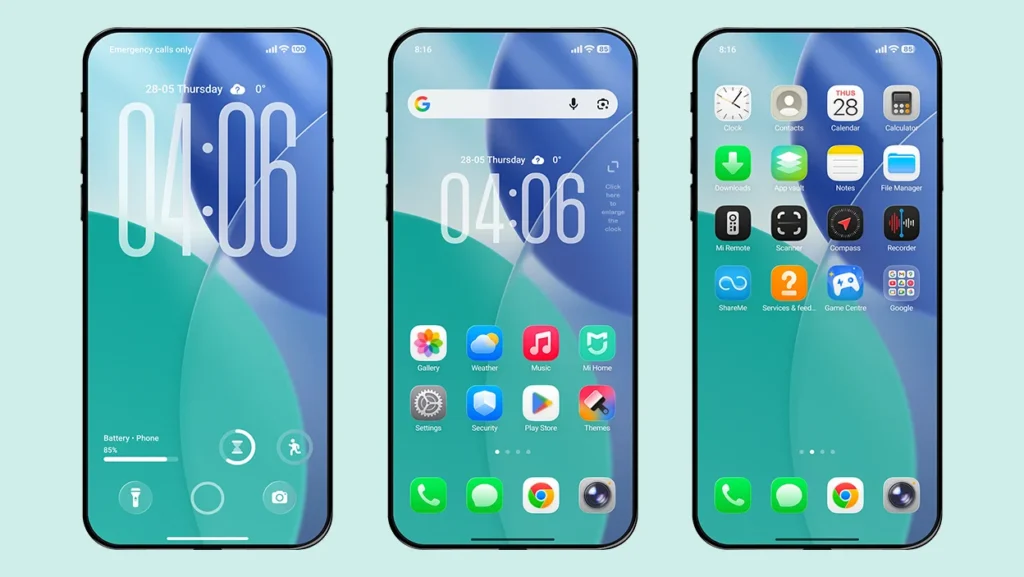
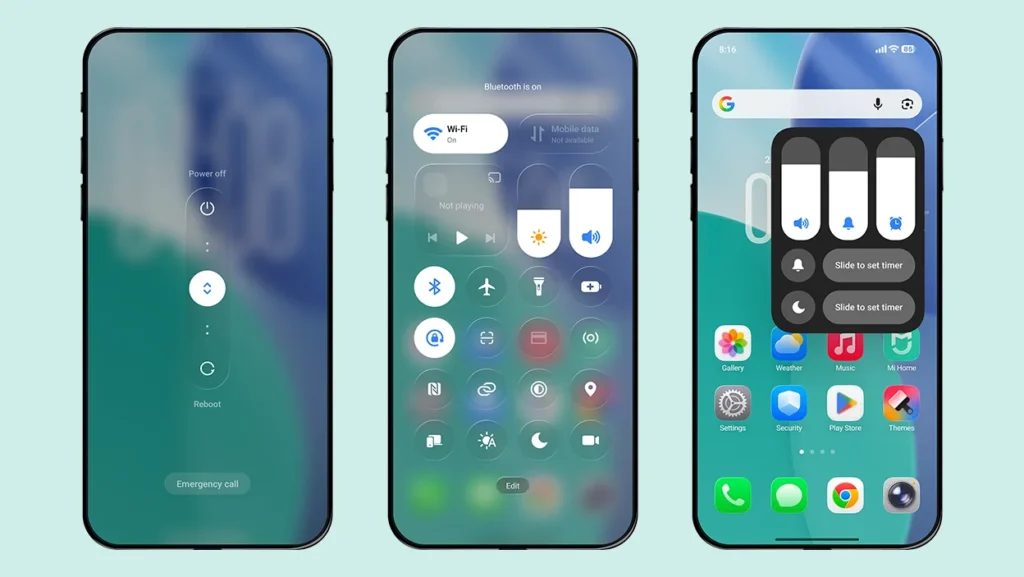
- iOS 26 Icons – Over 1000+ superior quality icons designed exactly like iOS 26 icons.
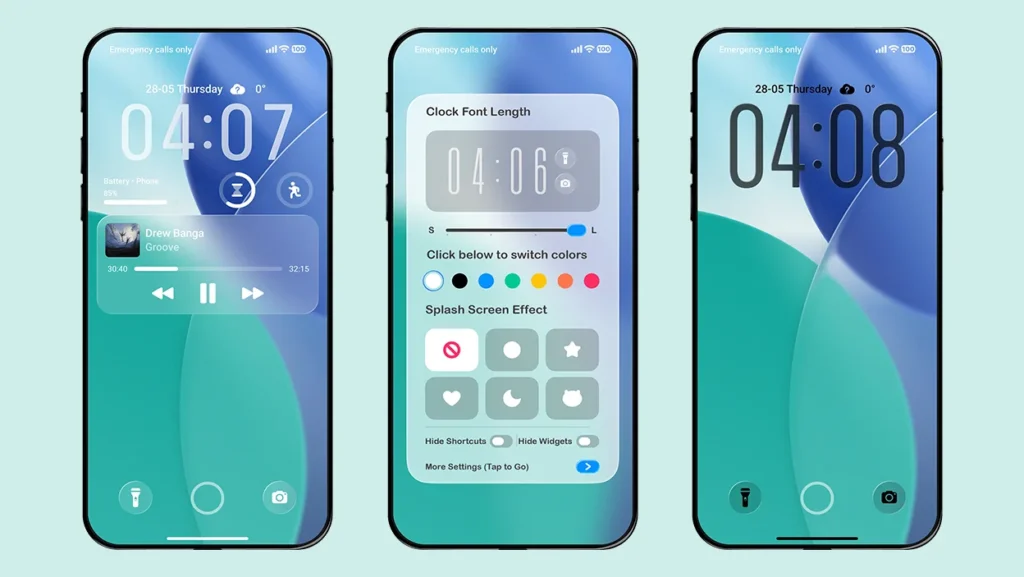
- Wallpaper– The wallpaper that this theme use is itself a better version of iOS 26 stock wallpaper.
- Control Center – A redesigned control center with Glass Effect touch.
- Lock screen customisation – change the size of lock screen clock from small to large in 3 different levels.
- Splash screen animations – Get cool effects whenever you check your lock screen. There are 5 different animation style to choose from and you can also turn it off anytime.
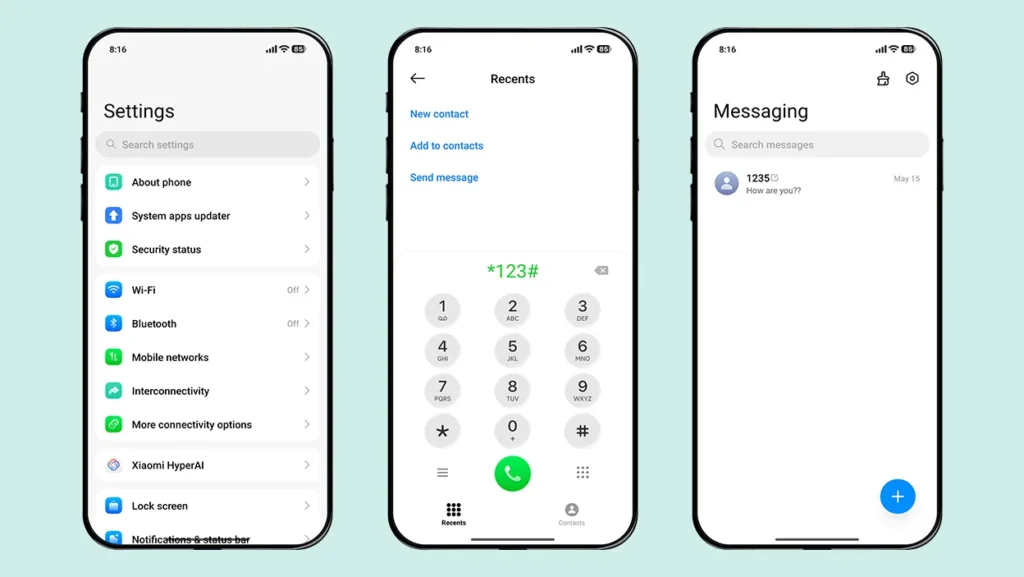
- iOS UI Design – Further UI design changes like iOS 26 can be seen in Settings, Dialer, Contacts and Messaging App with glass effect Power Menu.
What it lacks as compare to other iOS 26 theme
To improve the performance and make device clutter free, this theme compromise in certain areas as follows-
- You can not customise the widgets. Either you can show or hide the widgets.
- The wallpaper does not have any depth effect in it. Only you can apply a simple plain wallpaper via lock screen customisation option.
- There is no charging animation when you put your device on charging.
- No smart island feature like other iOS themes.
Theme Screenshots
Theme Information
| Name: | 26 OS |
| Designer: | 双笙猫 |
| Compatibility: | HyperOS 1.0 | 2.0 | 3.0 |
| Size: | 81 MB |
| Type: | MTZ File |
Download Section
MTZ File Installation Guide
Follow these simple steps to install an .mtz theme file on any Xiaomi, Redmi or Poco Device:
- Open the Themes app on your device.
- Go to My Account.
- Select the Themes option.
- You’ll see a list of your pre-installed themes. Scroll down and tap on the Import option.
- Locate and select the 26 OS [ENG].mtz file you downloaded.
- The theme will be added to your themes list.
- Finally, tap on the theme and press Apply to set it on your device.
Hope you enjoyed this theme, please share it with your friends. If you find any bugs, feel free to let us know in the comments.