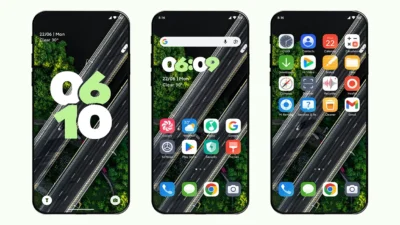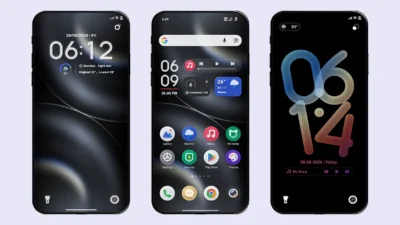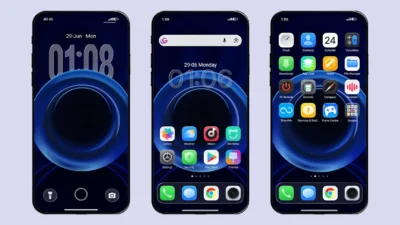

Presenting a complete Black Myth: Wukong inspired theme for all Xiaomi, Redmi, and Poco devices running HyperOS. This game became one of the most popular and loved titles of 2024, based on the monkey protagonist Sun Wukong from classical Chinese mythology.
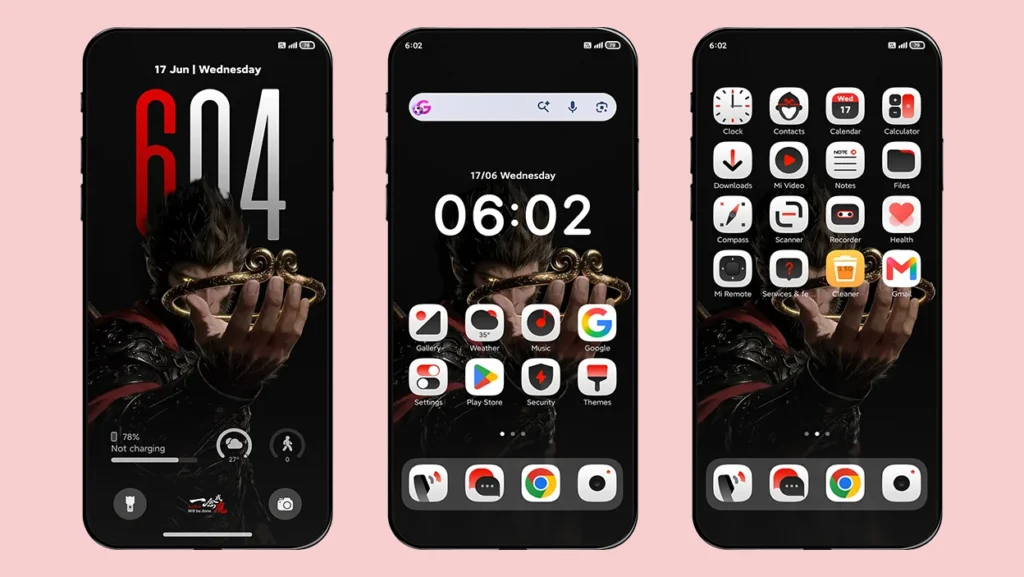
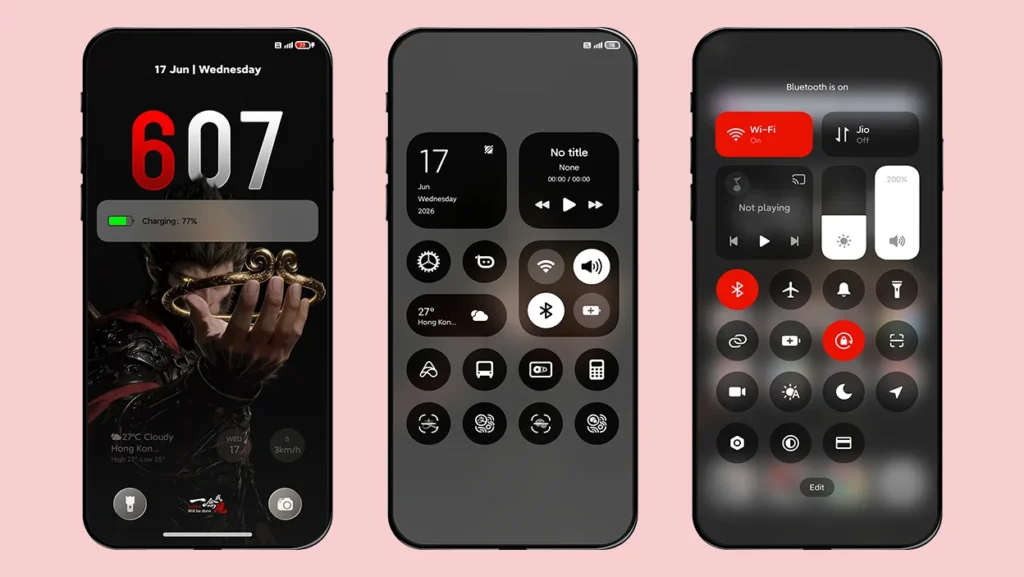
Get ready, game lovers! This theme will surprise you with its cool red-accent UI design, Sun Wukong wallpapers, and dark-red icons with a white background. The theme maintains its symmetry throughout all elements, from the lock screen and icons to the Control Center.
Key Features of This Theme
This HyperOS theme comes packed with several custom elements that completely transform the look of your device.
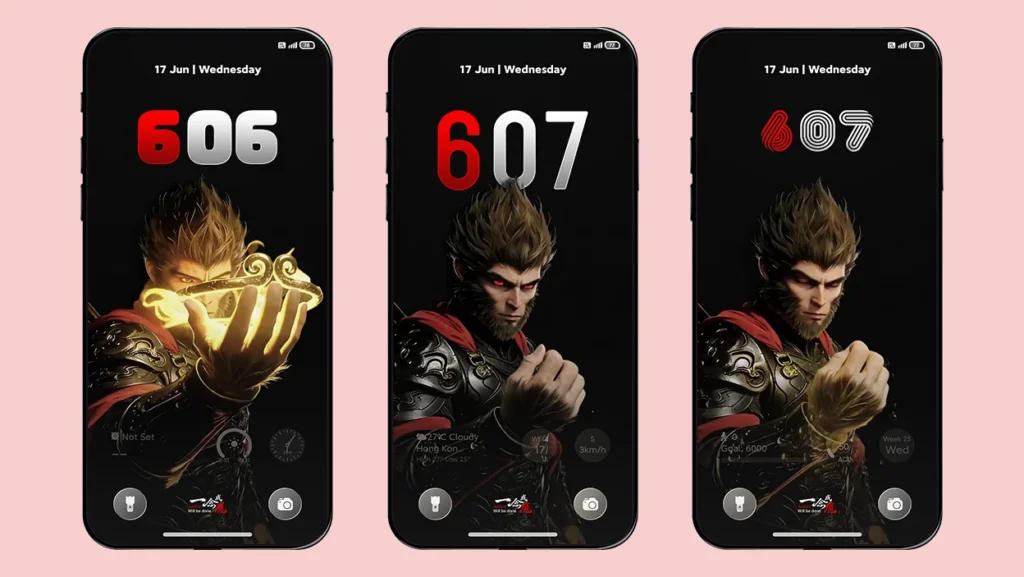
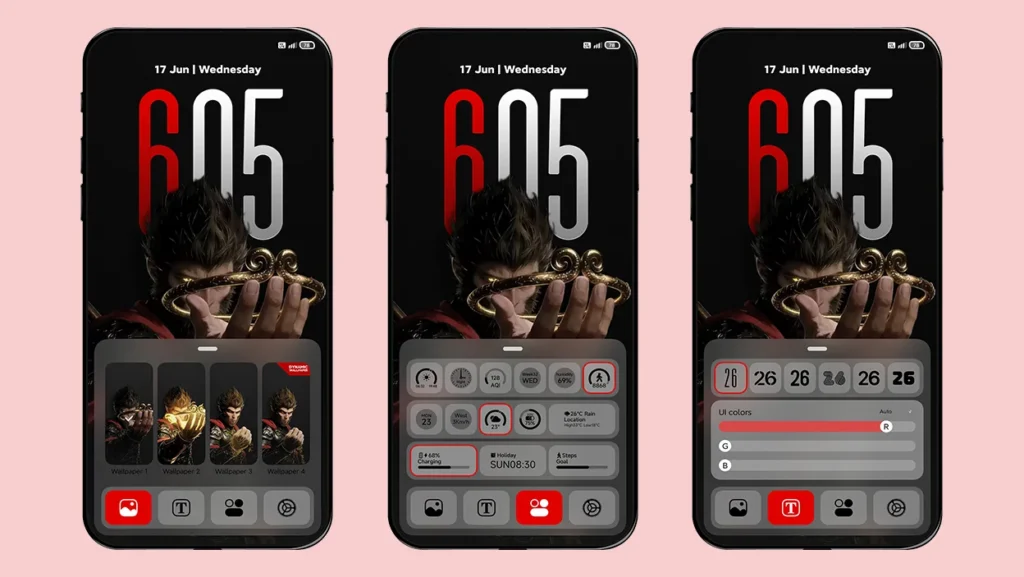
- Lock screen – The lock screen is the highlight of this theme and includes various customization features like depth effect wallpapers, clock styles with different fonts, widgets, and more.
- Icons – We personally liked the icons because they are truly one of a kind, and you will hardly find similar-looking icons in any other HyperOS theme.
- Dark-red accent – You will notice that the overall theme perfectly follows the Wukong inspired color scheme. Everything is inspired and created in Dark-red accent.
- Dynamic Island – Another interesting feature is Dynamic island on the lock screen with adjustments like x-axis, y-axis and its size. By default, it displays the battery icon and percentage.
- Widgets – A variety of widgets are available to choose from. You can add steps, weather, battery, calendar, and more to your lock screen for quick access to important information.
User Experience and Performance
One of the best things about this Black Myth: Wukong inspired HyperOS theme is its overall consistency and premium design. As soon as you apply the MTZ theme, you will dive into the dark fantasy atmosphere inspired by the game. The designer has carefully balanced the red and dark color combination without making the interface look overly aggressive or uncomfortable for daily use.
The lock screen is beautifully designed with high-quality depth effect Sun Wukong wallpapers and a stylish clock featuring a red-and-white color combination for hours and minutes. You also get a custom-designed signature that says “Justice will be done” along with some Chinese text that looks insanely cool.
During normal usage, everything feels lightweight and smooth on most Xiaomi, Redmi, and Poco devices running HyperOS. We did not notice any lag or animation stutters during normal usage except the dynamic wallpaper on the lock screen that is optional to use by the way.
Areas It Lacks
We truly appreciate the hard work of the designer that he put in this masterpiece, but there are still a few areas where the theme could improve in future updates.
- Fewer icons – The icons looks amazing, no doubt, but they are currently limited to system applications only. There is no support for other applications yet which might breaks the visual consistency of the home screen.
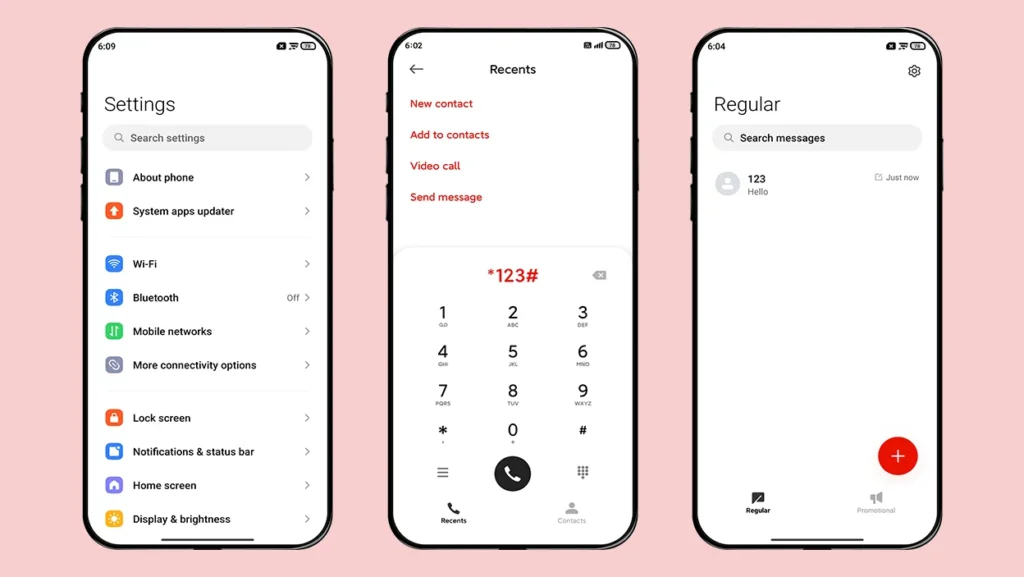
- No dark mode support – You can use the lock screen, widgets and icons in dark mode, but other apps like settings, dialer, messages and control center do not support dark mode yet.
- Few UI Elements – Although the theme feels consistent overall, some system applications, including the Control Center, still need more Wukong-inspired UI elements and customization.
We believe the next update of this theme will certainly bring new changes and improvements.
Theme Screenshots, Download & Setup
Here are the complete screenshots, theme details, download link, and installation guide for the A thought (Wukong) HyperOS Theme. Follow the steps carefully to apply this MTZ theme successfully on your Xiaomi, Redmi, or Poco device.
Theme Screenshots
Theme Information
| Name: | A thought/一念 |
| Designer: | 爱优米 |
| Compatibility: | HyperOS | MIUI |
| Size: | 29.3 MB |
| Type: | MTZ File |
Download Links
How to Apply MTZ Theme [Installation Guide]
- Open the Themes app on your device.
- Go to My Account.
- Select the Themes option.
- You’ll see a list of your pre-installed themes. Scroll down and tap on the Import option.
- Locate and select the A thought [ENG].mtz file you downloaded.
- The theme will be added to your themes list.
- Finally, tap on the theme and press Apply to set it on your device.
Final Words
This theme is definitely worth trying if you want a completely different look and a strong gaming vibe on your phone. As a game lover, you will rarely find such well-designed gaming themes in the Themes Store, which makes this theme even more special.
So what are you waiting for? Just download the MTZ file, apply it and enjoy a premium designed theme on HyperOS and Custom ROM devices.
We have shared our complete experience of this theme with you and now, let us know yours in the comment section.