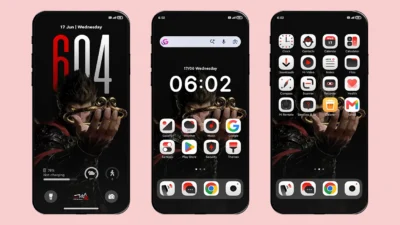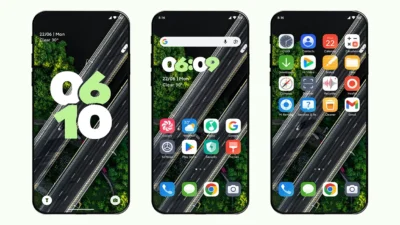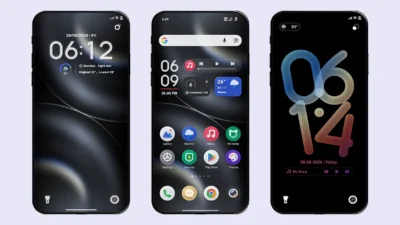

Looking for a premium HyperOS theme with immersive depth-effect wallpapers and stylish UI customisation? Super-Immersive Max Depth of Field Theme brings modern UI design, premium lock screen, smooth animations and highly customisable features on your Xiaomi, Redmi and Poco smartphone for free.
This MTZ theme is specifically designed for those who want depth effect visual on their lock screen with some additional features. The additional customisation features make this HyperOS theme even more impressive and worth trying.
Why choose Super-Immersive Max Depth of Field theme?
HyperOS already offers built-in depth effect features, but this theme takes the experience to the next level. It comes with a pre-designed depth effect wallpaper, stylish clock customisation, immersive charging animation, Smart Island support, and several premium UI enhancements that are not available in the default HyperOS theme.
Instead of staying limited to stock customisation, this Xiaomi theme gives your device a more immersive and visually premium experience.
Features of Max Depth of Field HyperOS Theme
Not only do the premium design and immersive depth-effect visuals make this theme interesting, but it also provides several customisation options to match your personal style and preferences.
Built-in Depth Effect Wallpapers
It includes 9 high-resolution depth effect wallpapers along with support for custom wallpapers. The wallpaper selected on the lock screen is automatically synced with the home screen for a seamless experience.
iOS Inspired Charging Animation
Choose between 2 different iOS-style charging animations. One features a full-screen MagSafe charging effect, while the other offers a bottom pop-up charging animation. You can also switch back to the default system charging animation or disable it completely.
Always-On Display Mode
After enabling this feature, simply double tap on the lock screen to enter AOD mode. Only the clock will remain visible with a black background, or you can choose to dim the wallpaper for a cleaner look.
StandBy Mode
This theme includes 3 different styles of StandBy mode that can be activated by swiping down on the lock screen or automatically when the device is charging.
Time Style Customisation
Switch between Horizontal and Vertical clock styles, both of which also support AOD mode. You can even change the font appearance from solid to hollow for both hours and minutes.
Global Splash Screen Effects
These are unique pre-built screen opening animations rarely found in other HyperOS and MIUI themes. Choose from 4 different styles that appear when you press the power button on the lock screen.
High Quality Icons with Dock Bar
Premium-quality icons designed specifically for the theme ensure a more polished and immersive user experience. The iOS-style dock bar also enhances the appearance of your favourite apps tray (must be enabled from the theme lock screen settings).
Dark Mode Support
Don’t worry, dark mode users, this theme ensures system wide dark mode support for all UI elements. From Dialer, Messages, Settings to Dock bar, Charging animation and control center, everything is well designed in dark mode.
Smart Island
A fully functional Smart Island with smooth animations can display music playback, charging status, and notifications. It is well synchronised with the desktop interface and includes multiple styles to choose from.
Some additional customisation features are not mentioned here, but you can access all available options through the theme’s lock screen settings. Go to:
Themes App → My Account → Lock Style → Customise.
Theme Screenshots, Download & Setup
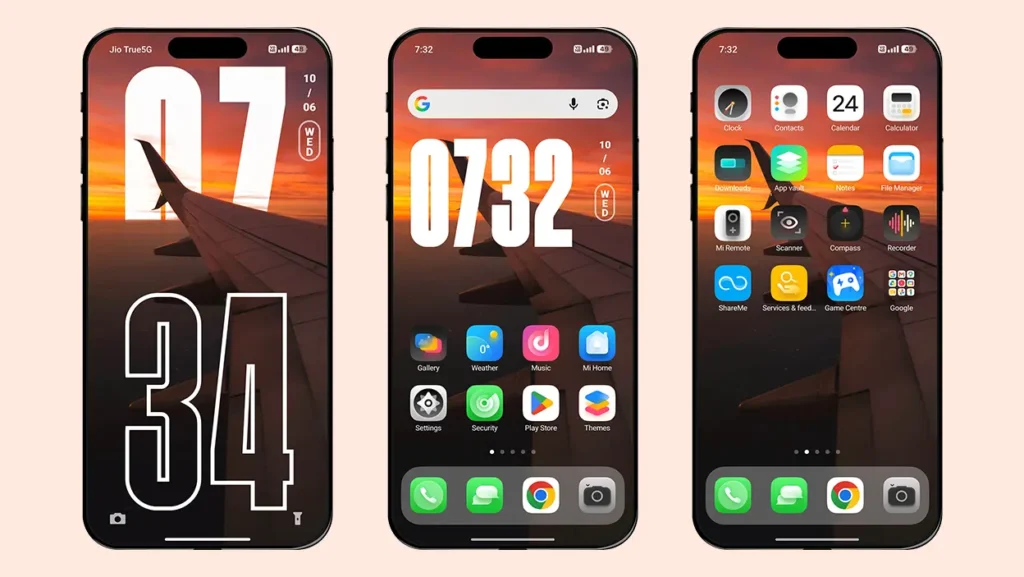
Here are the complete screenshots, theme details, download link, and installation guide for the Super-Immersive Max Depth of Field HyperOS Theme. Follow the steps carefully to apply this MTZ theme successfully on your Xiaomi, Redmi, or Poco device.
Theme Screenshots
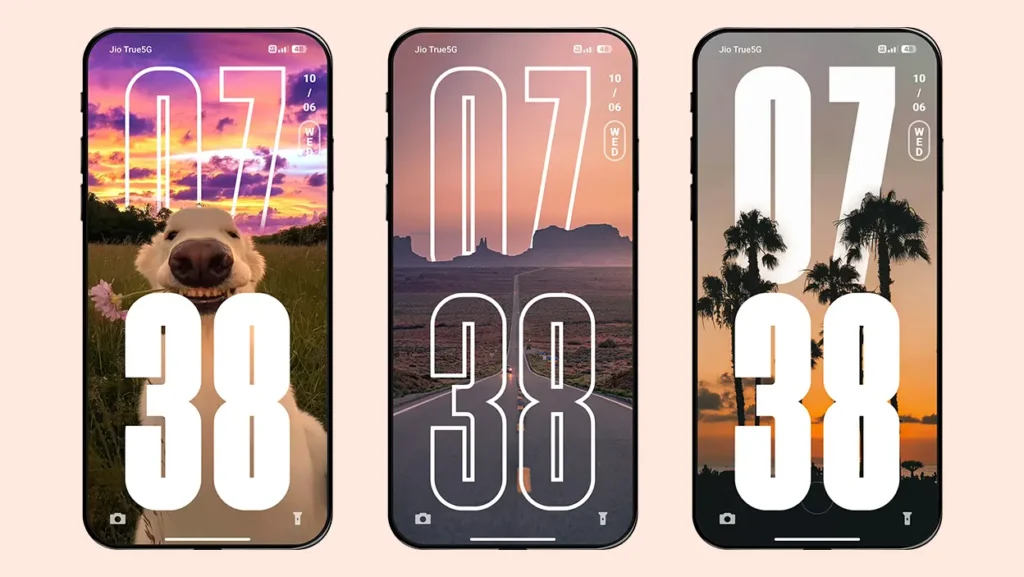
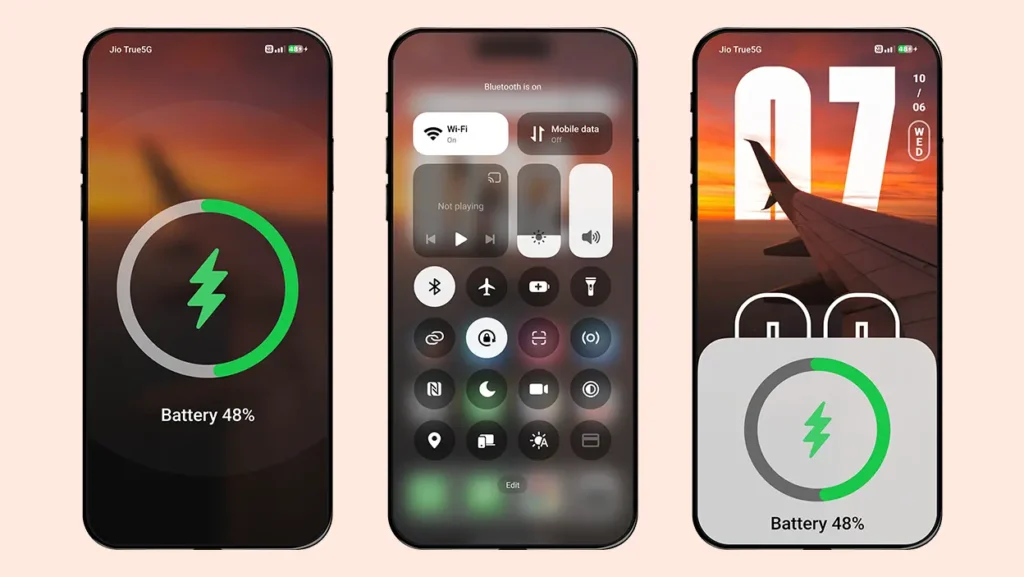
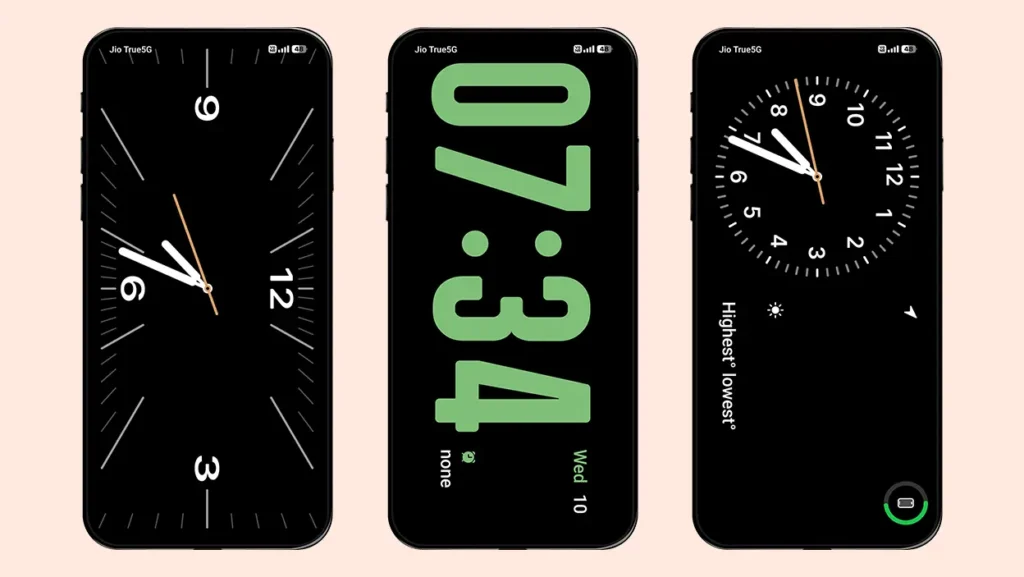
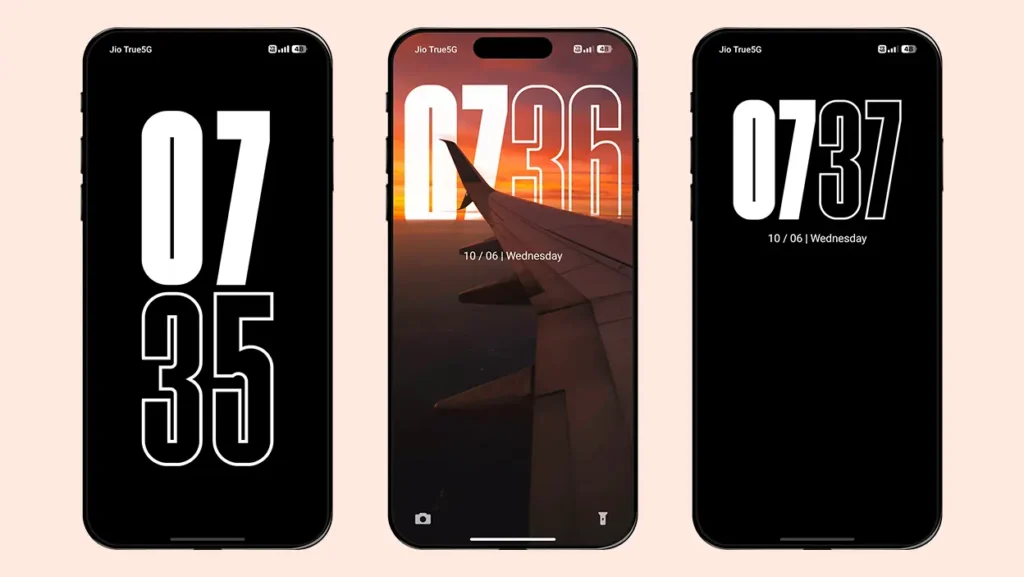
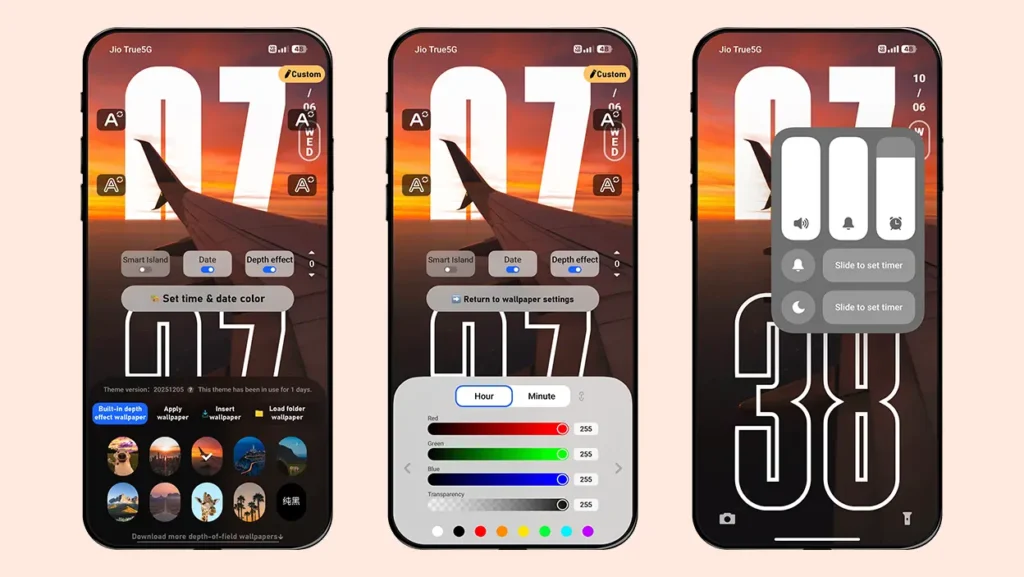
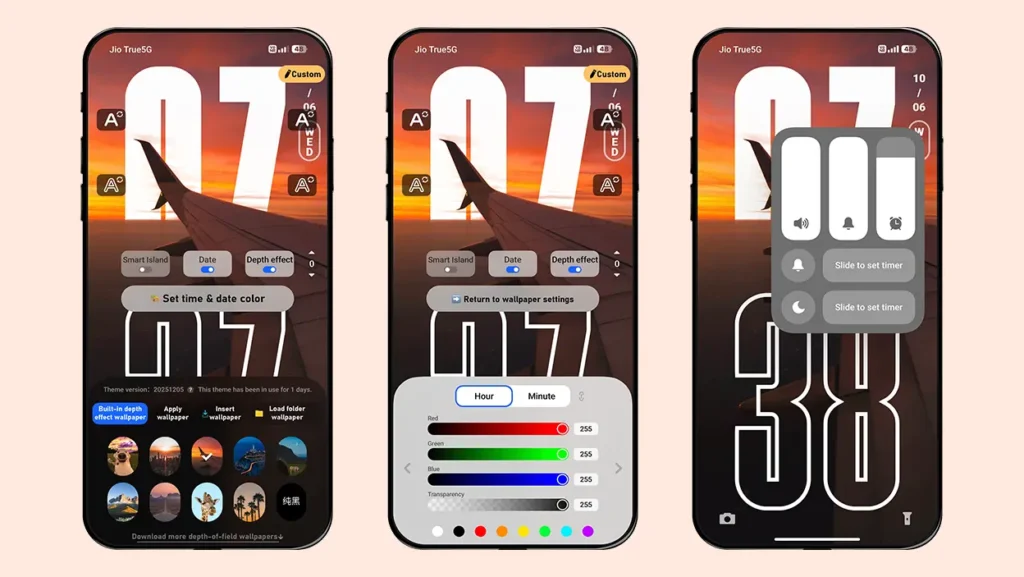
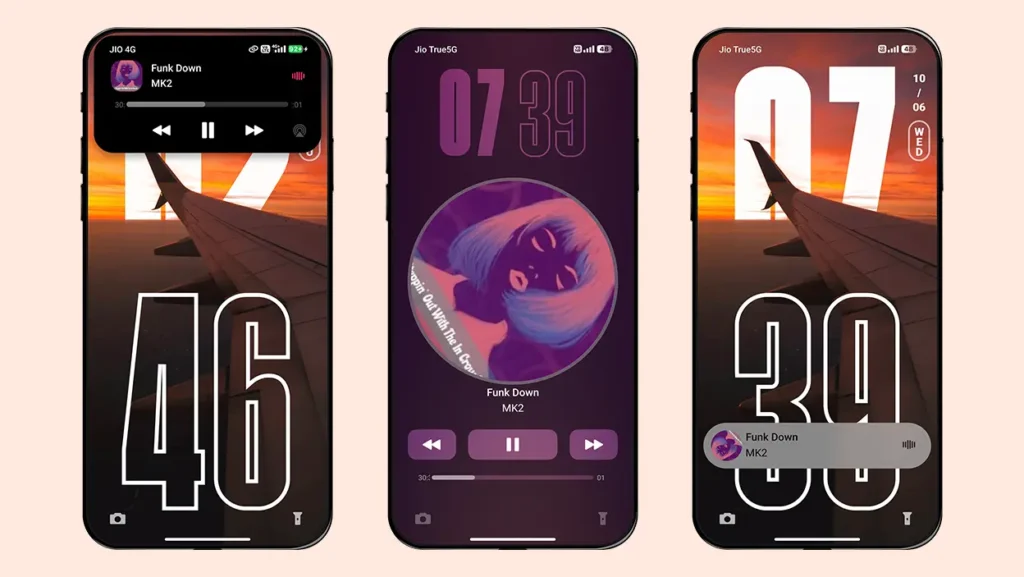
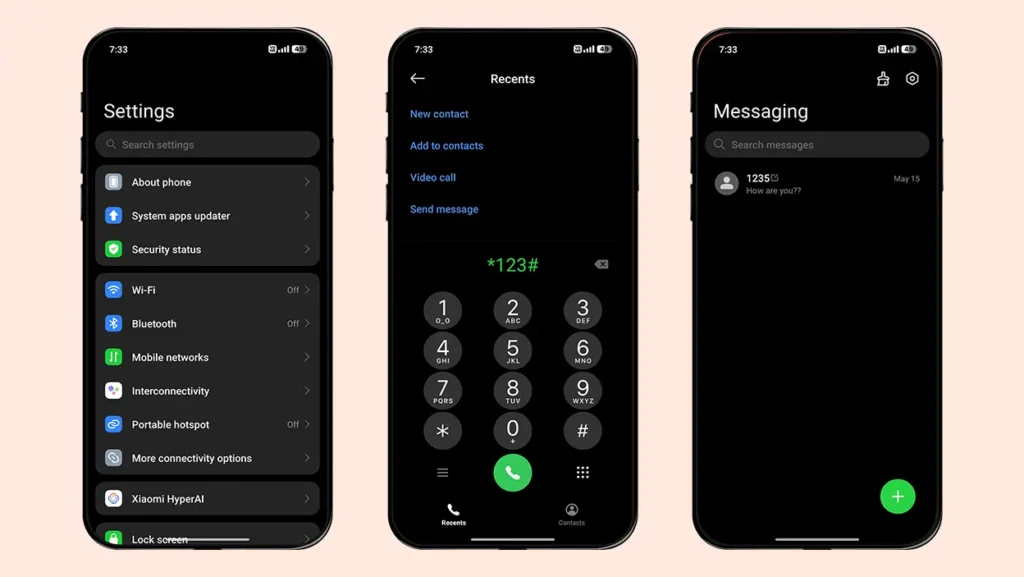
Theme Information
| Name: | Super-Immersive Max Depth of Field/超级澎湃景深Max |
| Designer: | 超级苏哥 |
| Compatibility: | HyperOS 1.0 | 2.0 | 3.0 |
| Size: | 44.7 MB |
| Type: | MTZ File |
Theme Download
How to Apply MTZ Theme
- Open the Themes app on your device.
- Go to My Account.
- Select the Themes option.
- You’ll see a list of your pre-installed themes. Scroll down and tap on the Import option.
- Locate and select the Super-Immersive Max Depth of Field [ENG].mtz file you downloaded.
- The theme will be added to your themes list.
- Finally, tap on the theme and press Apply to set it on your device.
Final Verdict
After checking out the screenshots and features of this HyperOS theme, you are definitely going to love its immersive visuals and premium customisation experience. Simply download the Super-Immersive Max Depth of Field HyperOS Theme and enjoy elegant depth effects, stylish UI elements, and advanced features on your Xiaomi, Redmi, or Poco device — completely free.