

You must have tried many iOS 26-inspired themes so far. But today, we are featuring the most popular iOS 26 HyperOS theme ever designed. iP26 Super 3D Depth of Field meets all the requirements you’re looking for in an iOS-inspired theme.
It’s a complete package, featuring everything from the Control Center and Focus Mode to iOS icons and a dynamic lock screen. The wide range of features and premium UI design make this Xiaomi theme one of the best choices among other iOS themes. We assure you that after exploring the features of this theme, you won’t be able to wait to download the iP26 Super 3D Depth of Field MTZ file and try it yourself.
Premium Features of iP26 Super 3D Depth of Field Theme
This HyperOS theme stands out by offering additional features that are far better than the default experience. So, let’s explore what this theme has to offer.
iOS 26 Icons
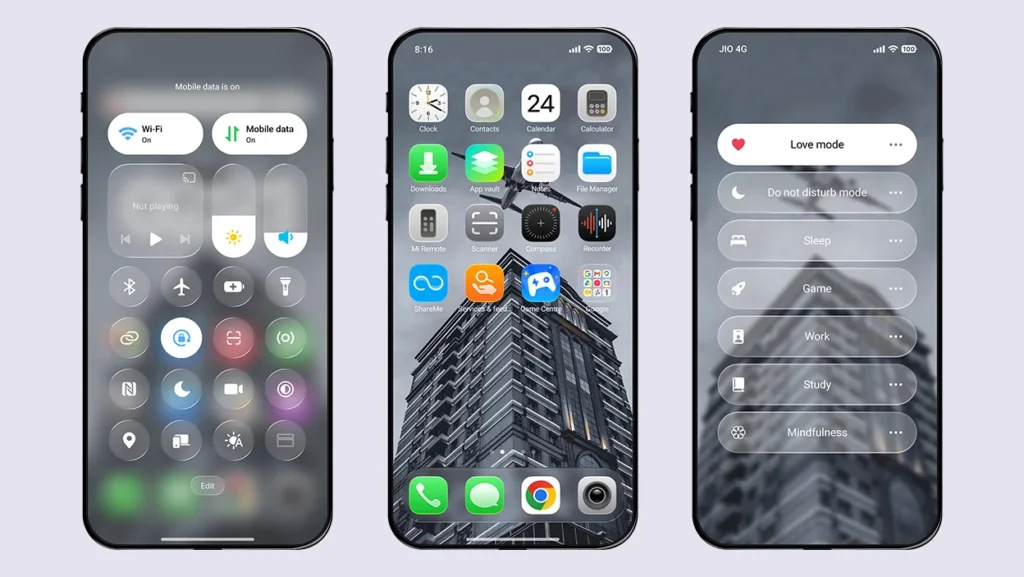
High-quality icons inspired by iOS 26 give you almost the same experience as an iPhone. You will hardly notice any major difference between these icons and the original iOS icons. Currently, the icons are limited to system apps only, but future updates will definitely bring support for more apps.
iOS 26 Lock Screen
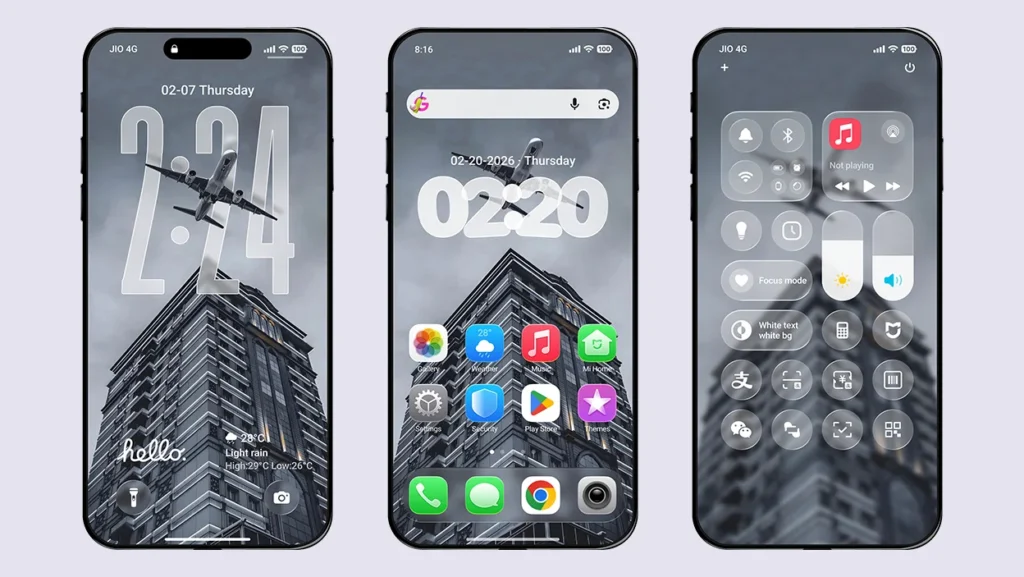
One of the key highlights of the iP26 Super 3D Depth of Field theme is its lock screen. Compared to the stock HyperOS lock screen, it offers tons of features that provide a complete iOS-style lock screen experience. The lock screen includes the following features:
Depth Effect Wallpapers
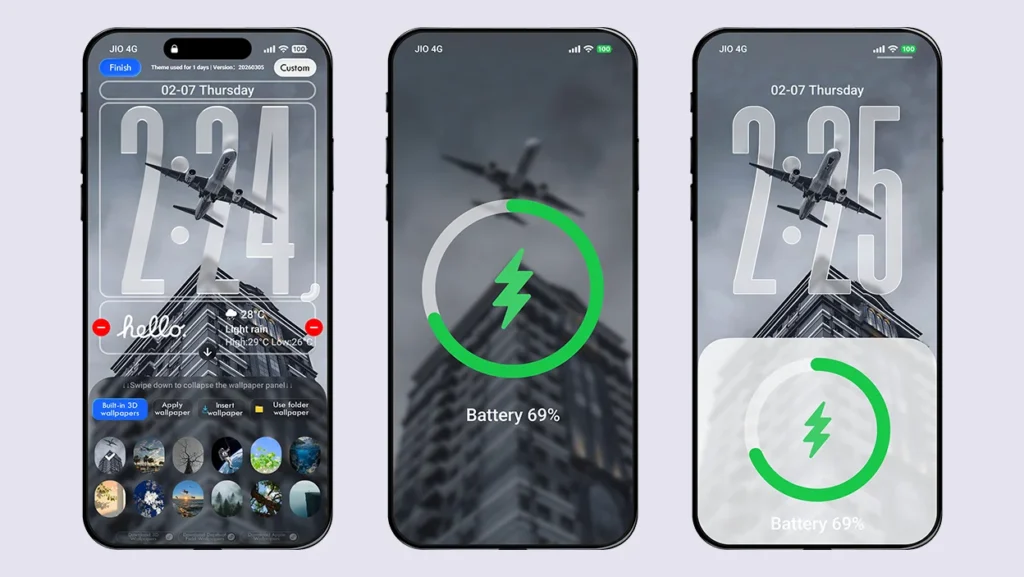
Choose from 12 different built-in 3D depth effect wallpapers and switch between them anytime. You can also use your own custom depth effect wallpaper or select the Folder Wallpapers option to use multiple wallpapers simultaneously.
iOS 26 Style Control Center
A separate Control Center inspired by iOS 26 is also included. It can only be accessed from the lock screen by swiping down from the top-right corner after enabling it in the Theme’s lock screen settings. Some shortcuts in this Control Center are functional, while others are purely for visual appeal. Overall, it is an almost identical copy of the original iOS 26 Control Center.
Clock Styles with Custom Fonts
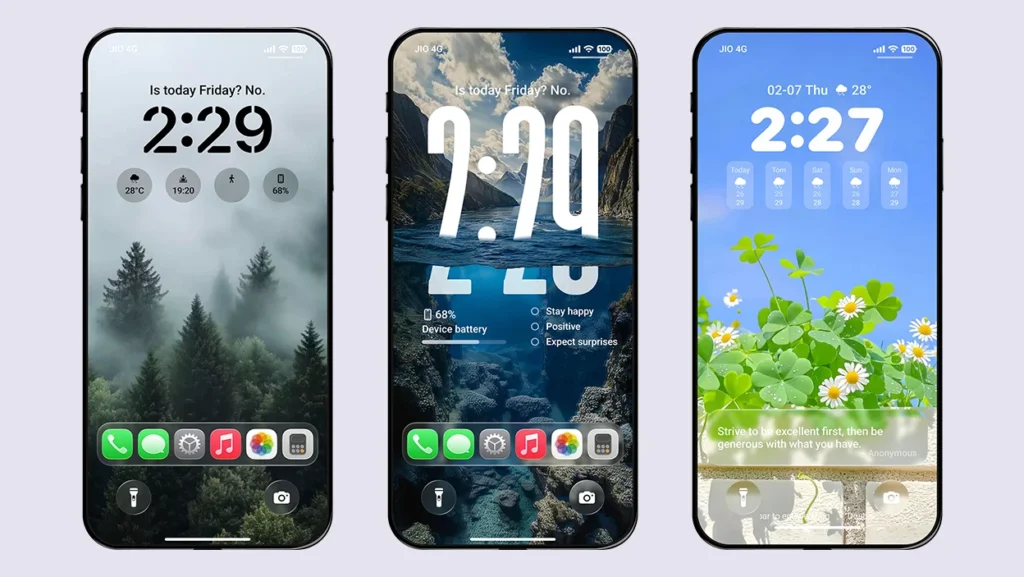
This theme offers an iOS-style lock screen clock by default, with adjustable height. The clock features a glass-effect design, but you can switch it to a solid style for better visibility. Apart from that, it also includes eight additional clock styles, each featuring different fonts.
Gravity Effect
Give your depth effect wallpapers a special 3D effect as you move your device. It’s a unique feature that you will hardly find in any other theme.
Multiple Widgets and Date Style Support
Access useful information directly from your lock screen with support for multiple widgets. It includes widgets for weather, battery, calendar, quotes, step counter, phone status, data usage, and more.
You can also choose from up to 14 different date styles above the lock screen clock. Some styles display multiple date formats, while others show weather, steps, quotes, location, battery percentage, health information, and more.
Bottom Card Feature
Enable the Bottom Card feature to display shortcut apps, payment apps, or a text card showing inspiring quotes. You can choose your own shortcut apps or write custom text according to your preference.
Focus Mode
To make this theme look even more like iOS 26, the designer has also introduced a Focus Mode feature. It includes multiple modes such as Focus, Game, Sleep, Work, Study, and more. However, these modes are non-functional since they are not integrated into the system.
Note: Double-tap the bottom white bar on the lock screen to access the customization options. You can also access deeper customization settings from the Theme’s lock screen settings.
iOS-Style Charging Animations
Two different charging animations are included in this theme. One is a full-screen MagSafe charging animation, while the other is a bottom pop-up charging animation. Use either of them instead of the stock charging animation to enjoy a more immersive iOS experience.
Always-On Display Mode
Double-tap the lock screen to enter Always-On Display mode. The lock screen will remain in AOD mode until you press the power button. This is a great alternative to Xiaomi’s default 10-second AOD limitation.
StandBy Mode
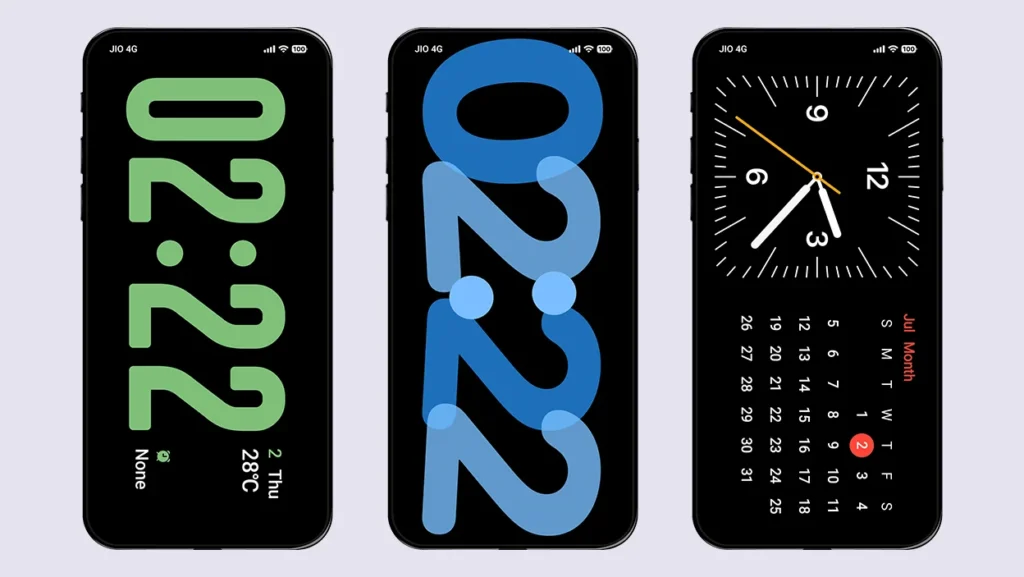
Automatically enter StandBy mode while charging your device. This theme features five different StandBy styles with both horizontal and vertical layouts. This impressive feature makes your device look even more like an iPhone.
Smart Island
The Smart Island feature can display charging status, notification previews, flashlight status, and music controls, giving you a premium smartphone experience. You can also adjust its horizontal and vertical position, along with its height and width, according to your device.
Music Player Support
The lock screen supports multiple ways to display the music player. You can access it through Smart Island, the default theme music player, or the full-screen horizontal music player. This feature is especially useful for users who enjoy long music sessions.
Variety of Animations
While using this theme, you’ll notice various animations, including switching to AOD mode, screen on/off effects, and lock screen unlock animations. These animations significantly improve the overall interaction and user experience.
Dock Bar
A glass-effect Dock Bar is included to provide an immersive look for your favorite apps. You can also enable a blurred background for the Dock Bar from the Theme’s lock screen settings. We have also fixed this feature for all POCO devices, as the Dock Bar is not supported on POCO devices by default.
Glass Effect Control Center
The Control Center and notification panel also feature a beautiful glass-effect design that matches the overall theme. It includes glass effects for notification backgrounds, quick toggles, the volume panel, and the brightness slider, making the interface feel even more premium.
System-Wide UI Support
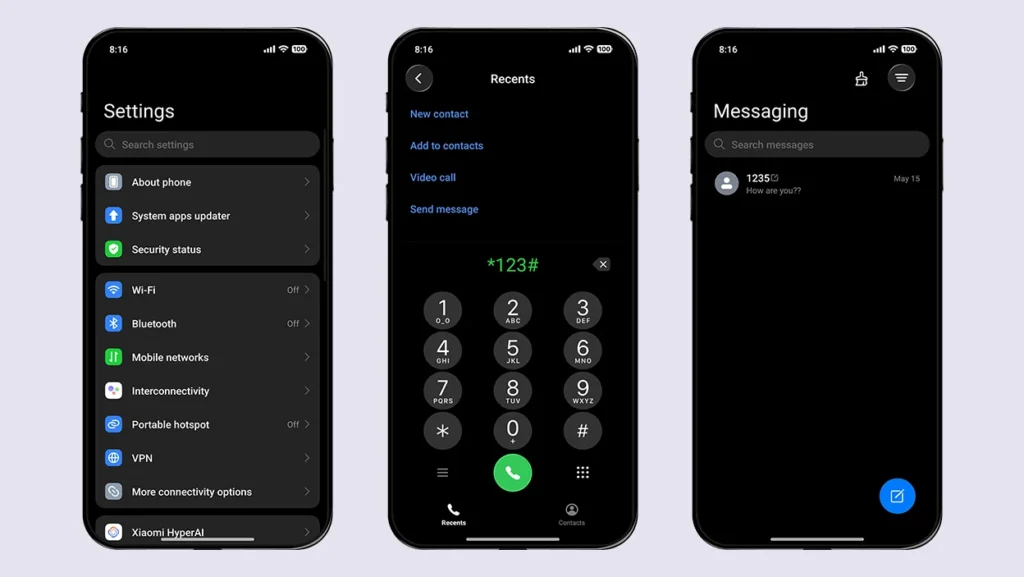
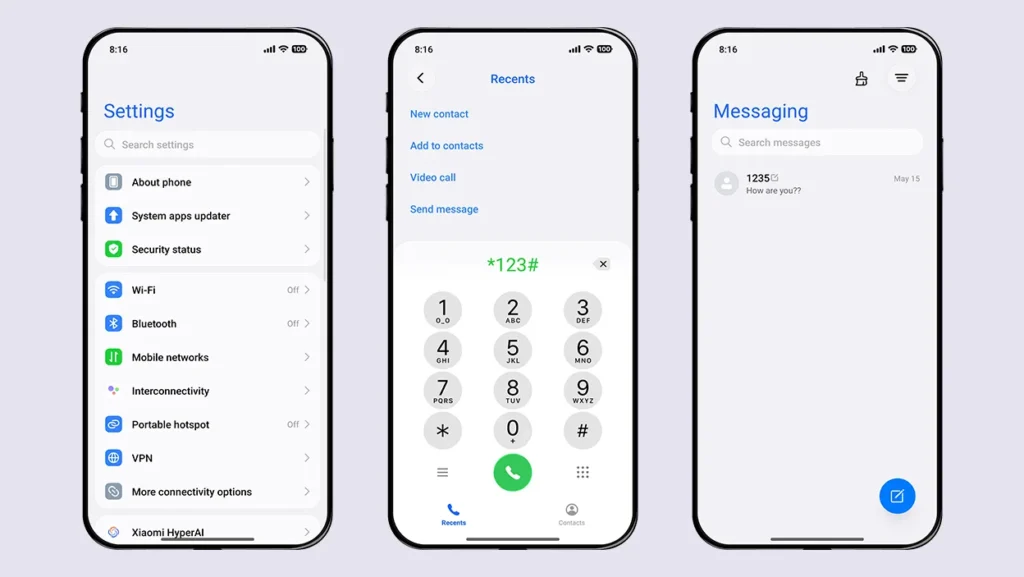
Major UI changes in the Dialer, Contacts, Messaging, and Settings apps make your daily device usage more enjoyable. All of these apps follow an elegant iOS-style design.
Dark Mode Support
Dark Mode support further enhances the user experience. The designer has implemented the same UI changes in Dark Mode as in Light Mode, ensuring a consistent experience throughout the system.
Apart from these features, you can access many more customization options from the Theme’s lock screen settings. Simply open Themes → My Account → Lock Style → Customize (Gear icon).
With so many premium features, this is undoubtedly one of the best iOS 26-inspired themes available for Xiaomi, Redmi, and POCO smartphones.
Theme Screenshots, Download Links & Installation Guide
Here are the complete screenshots, theme details, download link, and installation guide for the iP26 Super 3D Depth of Field HyperOS Theme. Follow the steps carefully to apply this MTZ theme successfully on your Xiaomi, Redmi, or Poco device.
Theme Screenshots
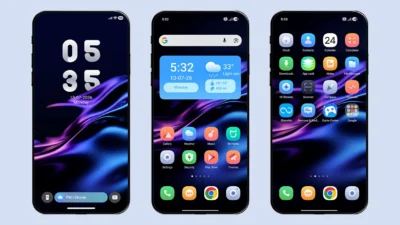
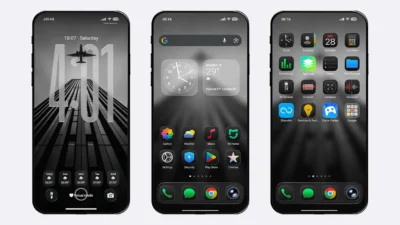
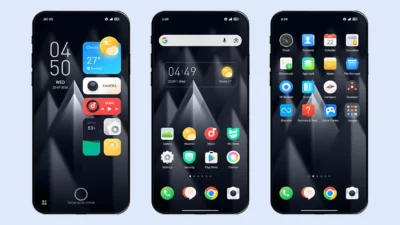
Take a look at how the iP26 Super 3D Depth of Field HyperOS Theme transforms the look and feel of your Xiaomi, Redmi, or POCO device.
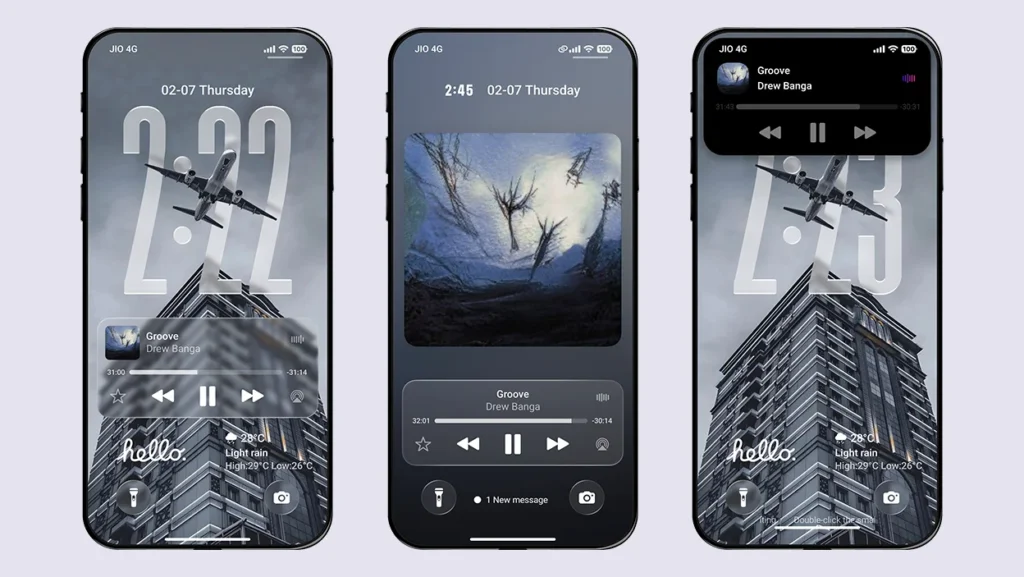
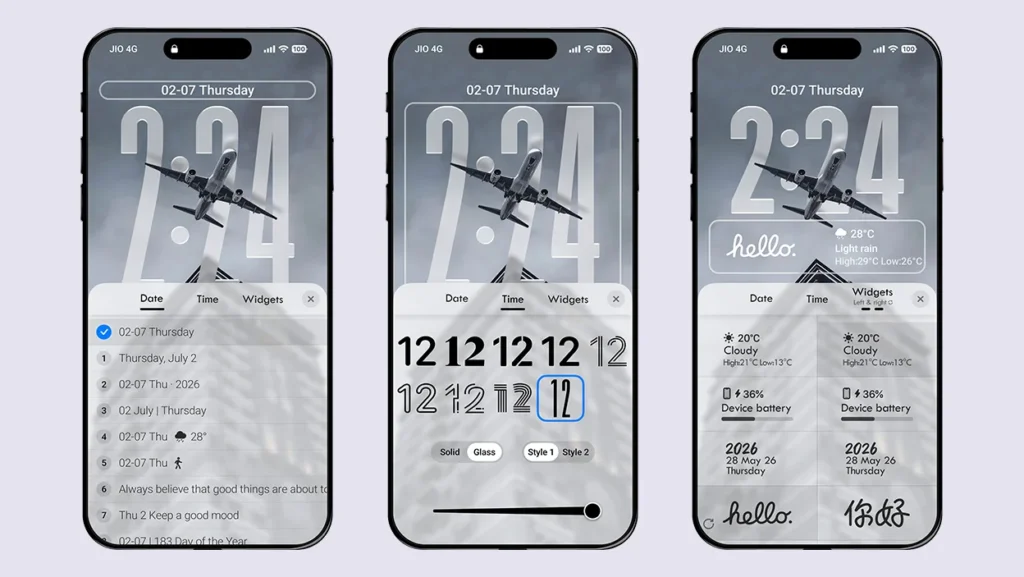
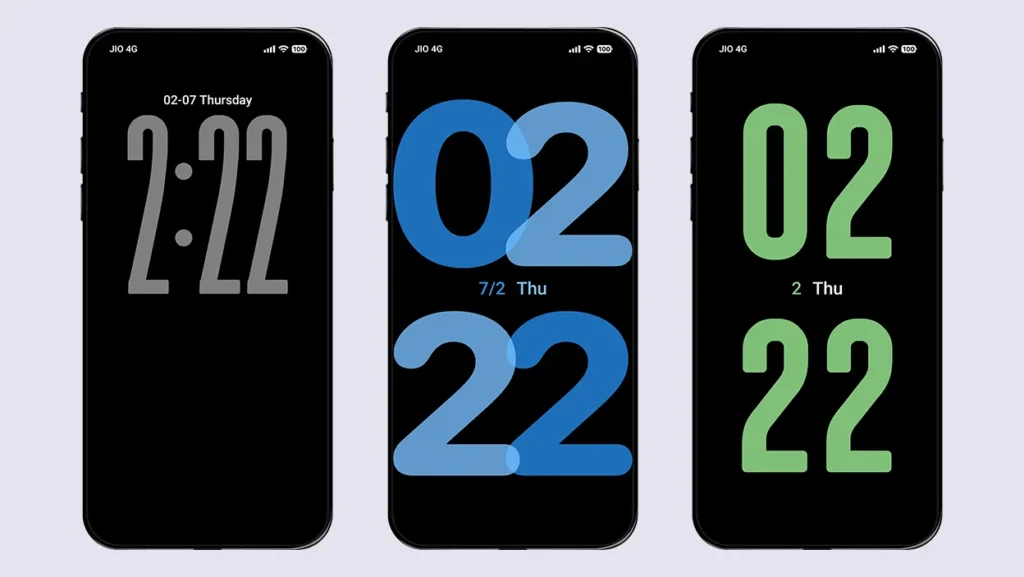
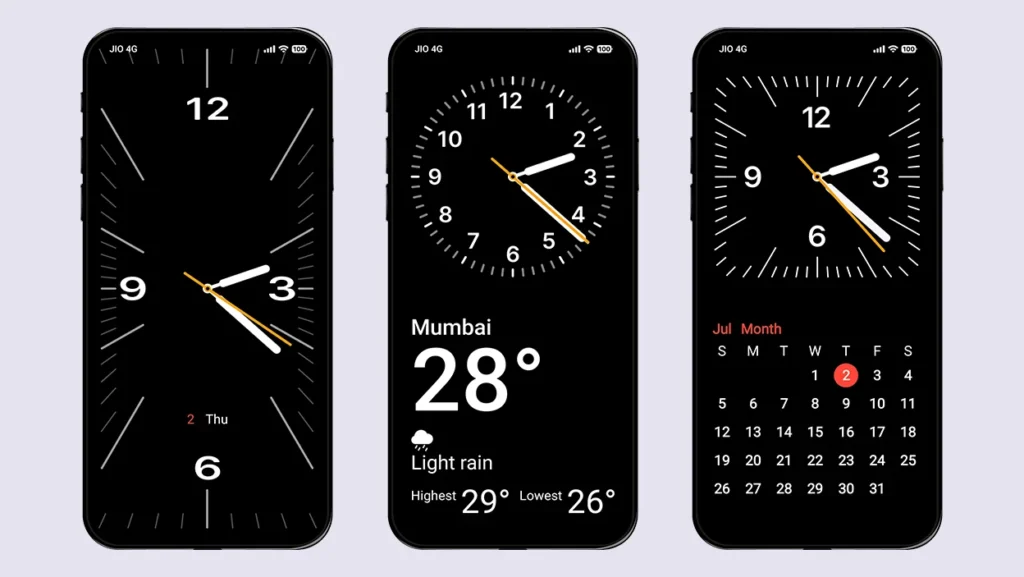
Theme Information
| Name: | iP26 Super 3D Depth of Field / iP26超级3D景深 |
| Designer: | 苏哥suger |
| Compatibility: | HyperOS 1.0 | 2.0 | 3.0 |
| Size: | 48.1 MB |
| Type: | MTZ File |
Download Links
Using a Global ROM? Learn how to permanently apply MTZ themes on your Xiaomi, Redmi, or POCO device.
How to Apply MTZ Theme
- Open the Themes app on your device.
- Go to My Account.
- Select the Themes option.
- You’ll see a list of your pre-installed themes. Scroll down and tap on the Import option.
- Locate and select the iP26 Super 3D Depth of Field [ENG].mtz file you downloaded.
- The theme will be added to your themes list.
- Finally, tap on the theme and press Apply to set it on your device.
Final Verdict
Download the iP26 Super 3D Depth of Field HyperOS Theme and experience the most feature-packed iOS 26 theme ever designed for your Xiaomi, Redmi, or POCO device. From the stunning iOS-inspired lock screen and Control Center to premium animations, Smart Island, StandBy Mode, and system-wide UI changes, this theme delivers an experience that closely resembles an iPhone.
If you like this theme, don’t forget to share it with your friends and fellow Xiaomi users. Also, share your opinion in the comments section. If you face any issues while installing the theme or encounter any bugs, please let us know.
Official Theme Store Link
You can install the theme permanently on global devices via our Install MTZ Files Permanently guide.
Hello, admin.
Could you also make the iP27 Super Capsule theme completely in English?
Sure. It will be ported soon. Until then, feel free to check out our other themes and share your opinion about them.
I’ve downloaded all of them, and they’re absolutely amazing! They’re fully translated into English, which is great because most other people who translate these themes into English do an incomplete job. But you guys are doing an absolutely amazing and excellent job! ❤️👏