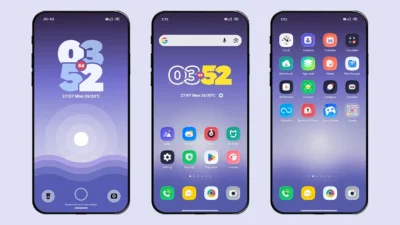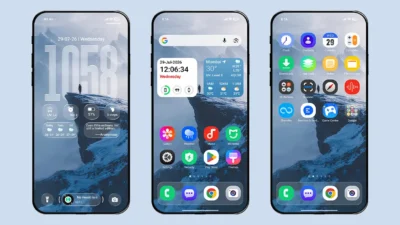

Clear Shadow is a free HyperOS theme that emphasizes elegant UI design and a beautifully crafted icon pack. Despite being a lightweight theme, it delivers an impressive visual experience. If you’re looking for a theme that combines minimalism, elegance, and smooth performance, Clear Shadow is definitely worth trying on your Xiaomi, Redmi, or POCO smartphone running MIUI or HyperOS.
Originally released as a Chinese theme, Clear Shadow has been carefully ported in English language by MTZOnly, allowing Global ROM and Custom ROM users to enjoy the theme without any language barriers. It brings a refreshing new interface that completely transforms the look of the default stock theme.
Clear Shadow HyperOS Theme Features
Before heading to the download section, let’s take a look at some of the standout features this theme has to offer.
Gorgeous Icon Pack
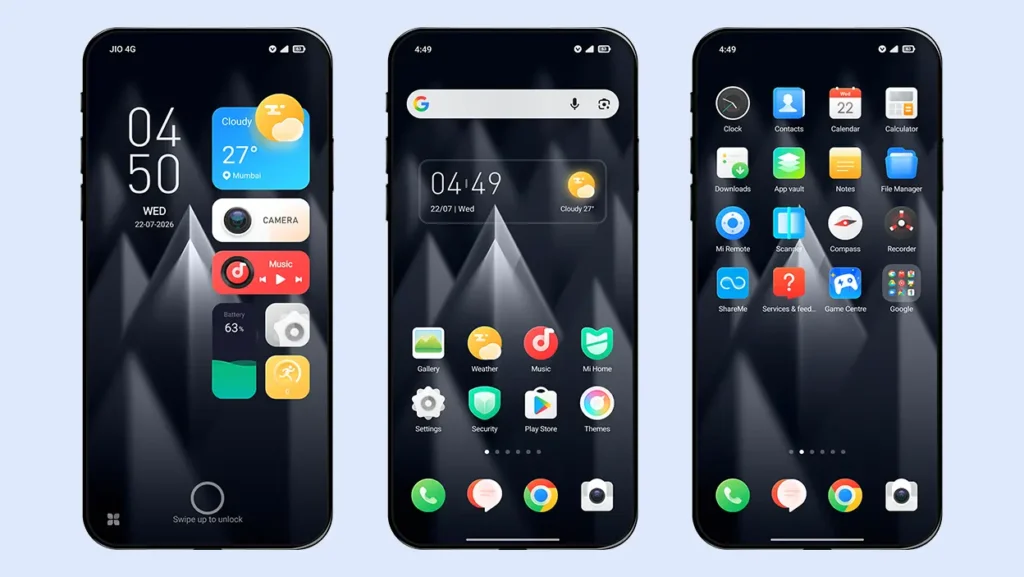
One of the biggest highlights of Clear Shadow is its unique and beautifully designed icon pack, which is unlike anything you’ll find in most other themes. It gives your device a fresh and premium appearance while maintaining a clean aesthetic. The theme includes more than 3,800 carefully crafted icons, providing excellent support for most popular third-party applications.
Lock Screen with Components
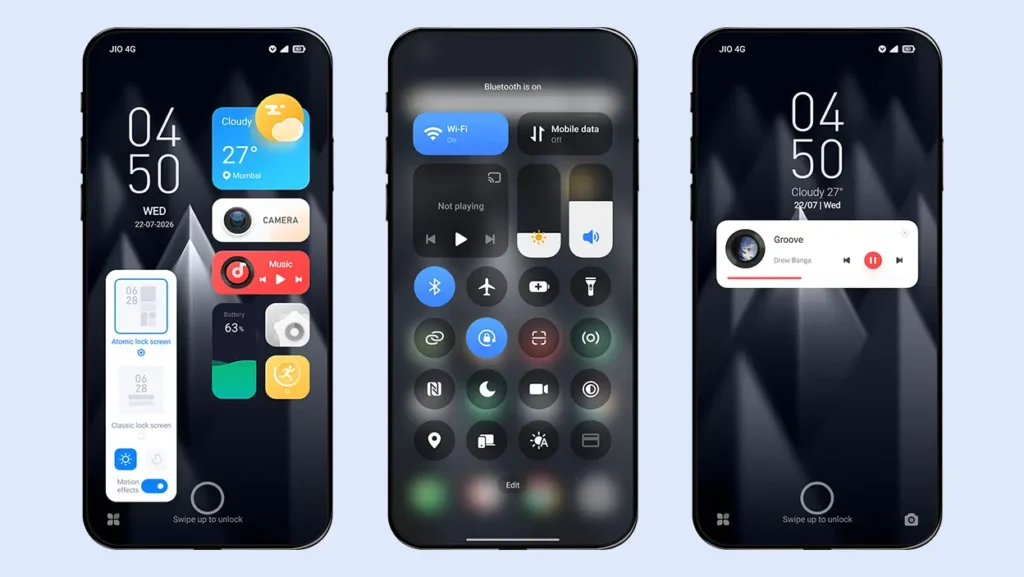
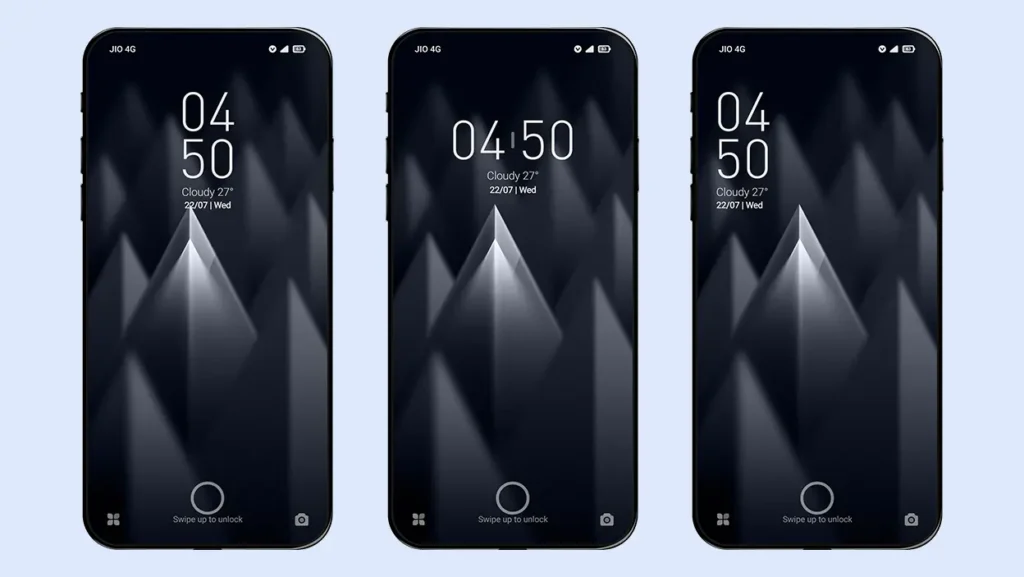
Clear Shadow offers two different lock screen styles to choose from.
The default lock screen features a modern layout with the clock positioned on the left and multiple useful components on the right, including weather information, music controls, battery status, step count, and quick shortcuts for the Camera and Settings apps.
The second lock screen style focuses on simplicity. It features a clean digital clock along with the date and weather information. You can also switch between three different layout options to match your personal preference.
Home Screen Widget
The theme includes a stylish and minimalist home screen widget that displays the time, date, and weather information. Its transparent background with a subtle blur effect creates an elegant glass-like appearance, blending seamlessly with your wallpaper.
Other UI Changes
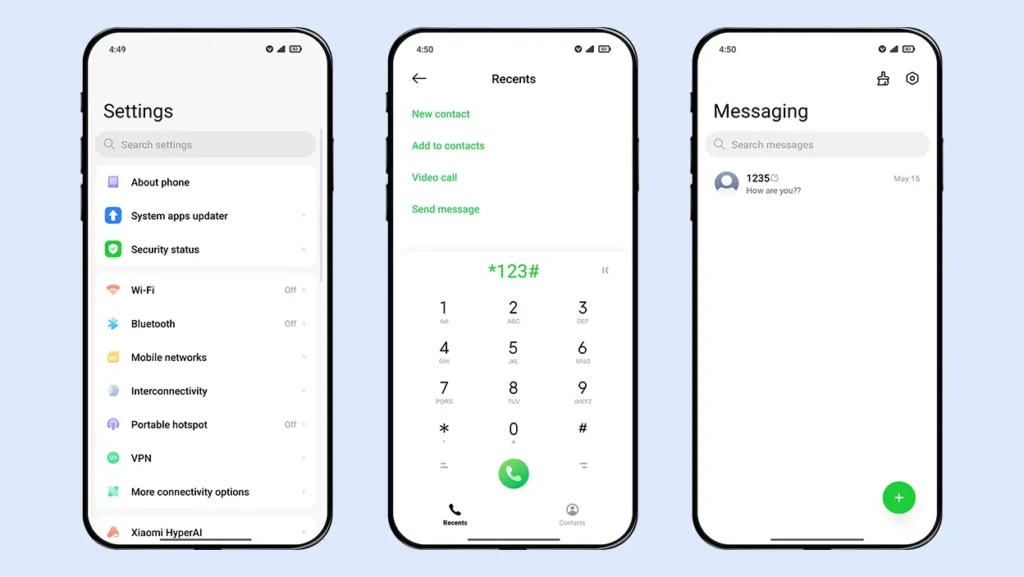
In addition to the lock screen and icons, the theme introduces subtle visual improvements across the Dialer, Messaging, and Settings apps. The Control Center features a clean design with gradient blue active tiles, while the status bar has been completely redesigned with new icons and a stylish battery indicator.
Theme Screenshots, Download Links & Installation Guide
Here are the complete screenshots, theme details, download link, and installation guide for the Clear Shadow HyperOS Theme. Follow the steps carefully to apply this MTZ theme successfully on your Xiaomi, Redmi, or Poco device.
Theme Screenshots
Theme Information
| Name: | Clear Shadow / 清影 |
| Designer: | 缄默 |
| Compatibility: | HyperOS | MIUI |
| Size: | 47.5 MB |
| Type: | MTZ File |
Download Links
Using a Global ROM? Learn how to permanently apply MTZ themes on your Xiaomi, Redmi, or POCO device.
How to Apply MTZ Theme
Applying this MTZ theme is quick and easy. Simply follow the steps below to import the downloaded MTZ file through the Themes app and apply it successfully to your device.
- Open the Themes app on your device.
- Go to My Account.
- Select the Themes option.
- You’ll see a list of your pre-installed themes. Scroll down and tap on the Import option.
- Locate and select the Clear Shadow [ENG].mtz file you downloaded.
- The theme will be added to your themes list.
- Finally, tap on the theme and press Apply to set it on your device.
Who Should Try This Theme?
If you prefer a clean and elegant interface without compromising performance, the Clear Shadow HyperOS Theme is an excellent choice. Its lightweight design, premium icon pack, and thoughtfully crafted UI make it a great option for anyone looking to give their Xiaomi, Redmi, or POCO smartphone a fresh new look.
If you enjoyed the theme, don’t forget to share it with your friends and fellow Xiaomi users. Also, share your opinion in the comments section. If you face any issues while installing the theme or encounter any bugs, please let us know.